What is Wingman?
Wingman is your built-in Storagely guide—available right inside your Dashboard—designed to deliver fast, relevant support without disrupting your workflow.
Whether you’re learning a new feature, need a quick tutorial, or want to dig deeper into platform tools, Wingman provides instant access to help documentation, walkthroughs, and videos tailored to where you are and what you're working on.
🎥 Watch: How Wingman Works
Why We Built Wingman
We know self storage operators don’t always have time to hunt down tutorials or wait on support replies. Wingman is our solution to provide in-the-moment assistance with zero friction:
- No extra tabs – Help shows up directly in your dashboard
- No guesswork – Wingman knows what page you're on and serves relevant content
- No delays – Get help immediately when you need it
What Wingman Can Do
Wingman is not a chatbot. It’s a fully integrated help panel that gives you:
✅ Instant Answers Searchable guides, tutorials, and help articles inside the dashboard.
✅ Smart Suggestions Wingman recommends helpful content based on where you are in the platform—for example, if you're editing website content or reviewing marketing insights.
✅ Interactive Tours & Videos Step-by-step walkthroughs and video explanations built to guide you through specific workflows.
✅ Live Updates As new features are released or questions come up, Wingman’s knowledgebase is updated automatically—no need to refresh or install anything.
✅ Quick Feedback Loop Submit feedback on articles or suggest what you’d like Wingman to cover next, right from the help panel.
Ask Wingman
In addition to browsing help articles, you can also type a question into Wingman directly. Just open the Wingman panel, click Ask Wingman, and enter your question.
Here’s what you can do:
- Press Enter to search the Storagely help center for matching guides
- Press Shift + Enter (or Shift + Return) to receive a generative answer directly from Wingman, powered by AI
This is a great way to get fast, specific help—even for questions that don’t exactly match existing articles.
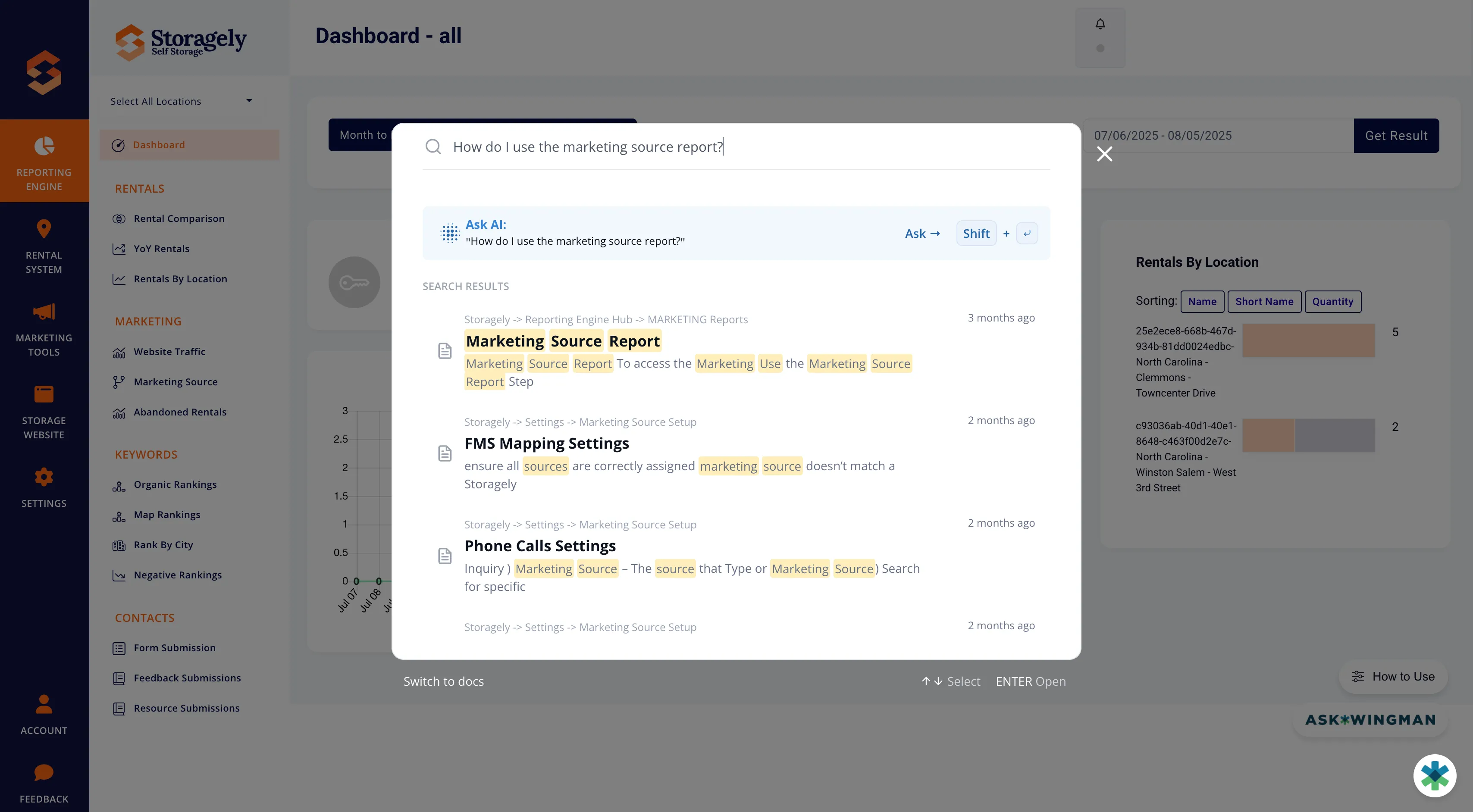
Where to Find Wingman
You’ll see the Wingman icon in the bottom-right corner of your Storagely Dashboard:
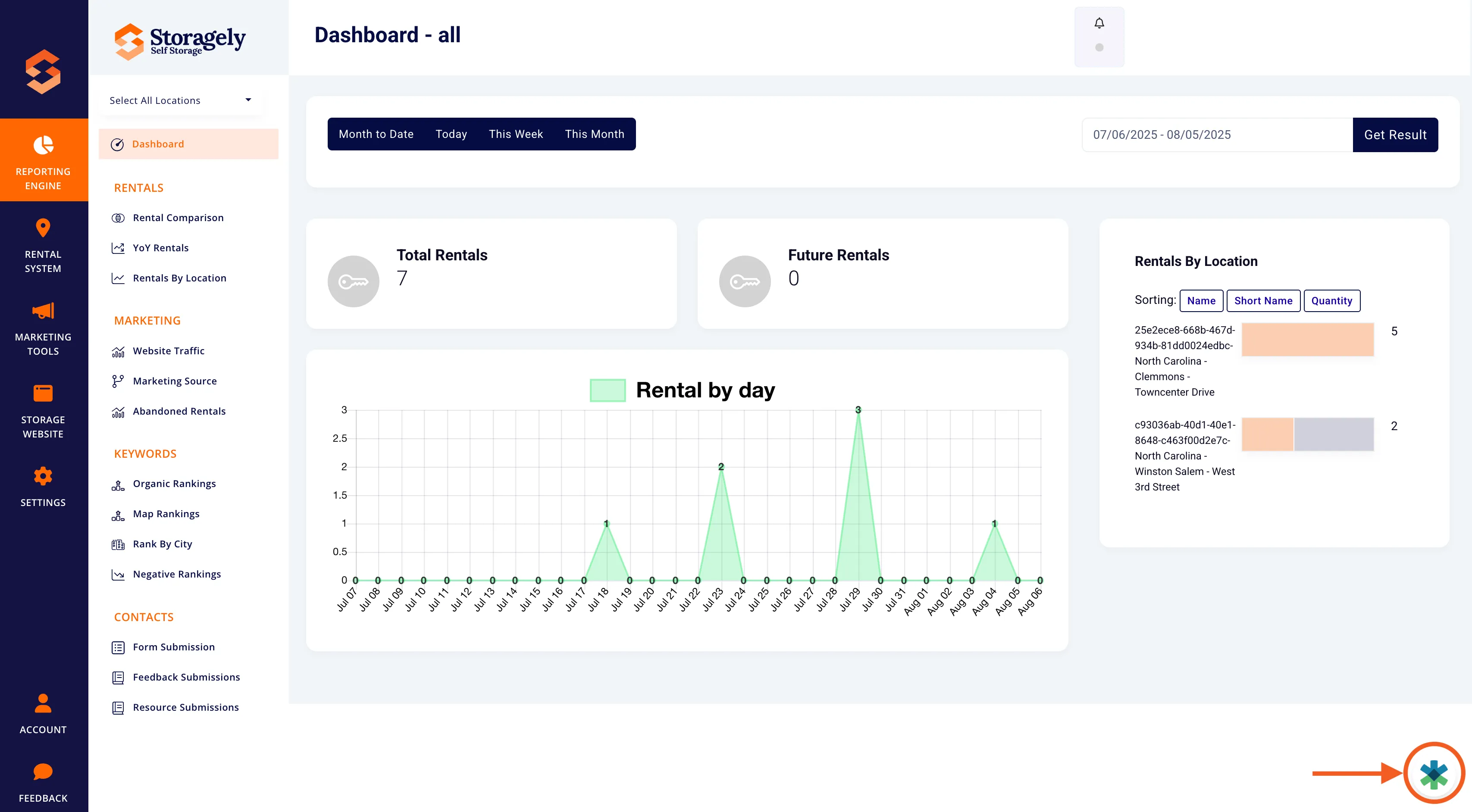
Click it anytime for help, learning, or guided steps—without ever leaving the page you’re working on.
New Login URL
As part of this update, you’ll also notice a new URL when accessing the Storagely platform:
- Old login: yourdomainstorage.com/admin
- New login: app.storagely.io
Don’t worry—your data, settings, and login credentials remain unchanged.
What’s Next?
Wingman will continue to evolve as our library of support content grows. You’ll always have up-to-date help and training, right where you need it.
Have feedback or want to request a specific guide? You can easily submit feedback directly through any resource guide in Wingman.
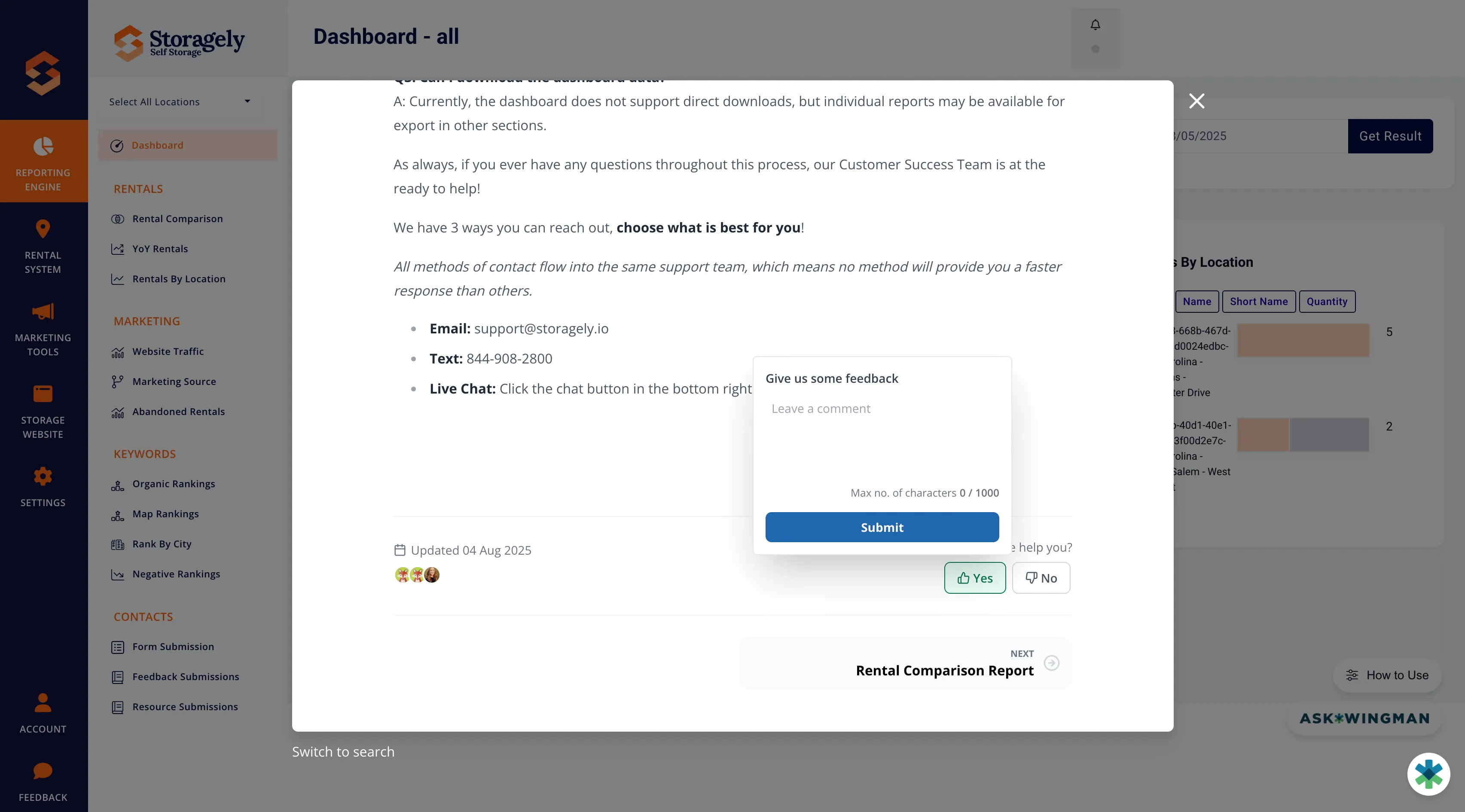
As always, if you have any questions during this process, our Customer Success Team is here to help. The best way to reach us is by submitting a support ticket.