📖 How to Create and Publish a Blog Post in DropInBlog
Welcome! This step-by-step guide will help you create, edit, optimize, and publish a blog post using DropInBlog on your website.
🚪 Getting Started: Log In
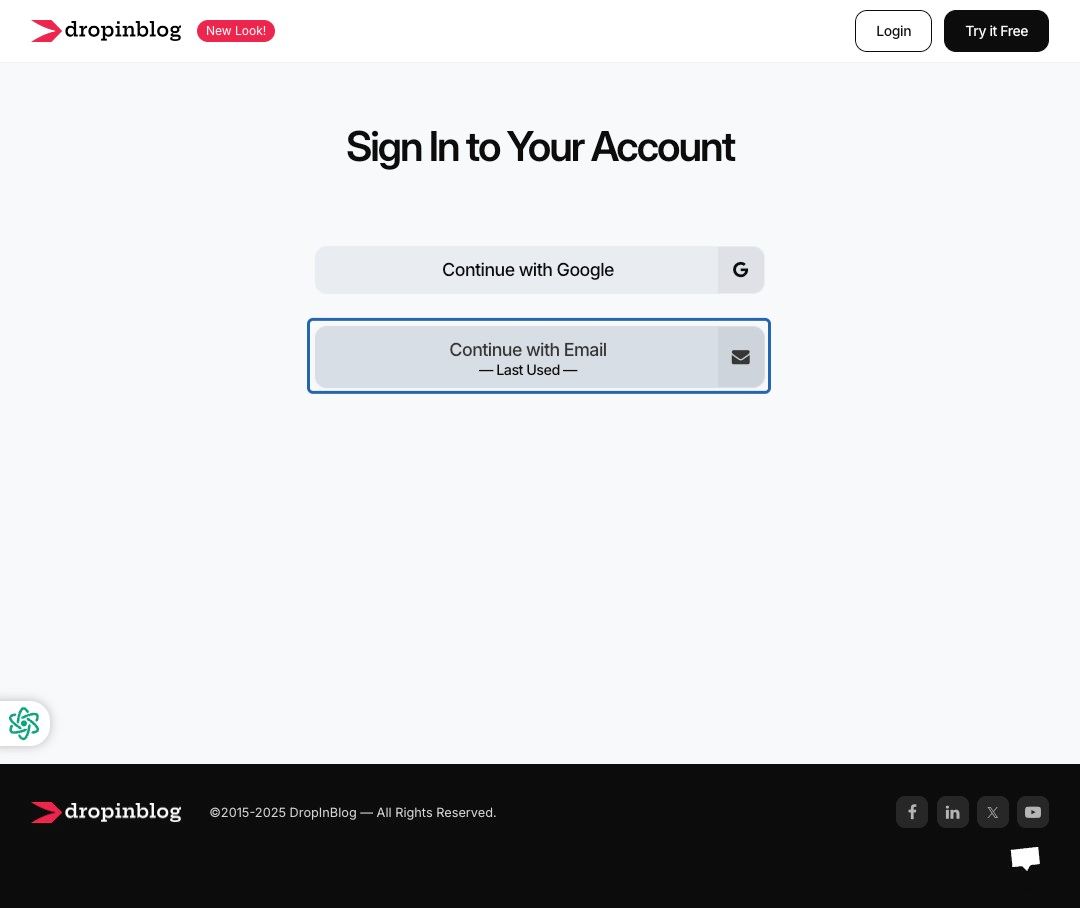
- Go to DropInBlog Login
- Click Continue with Email
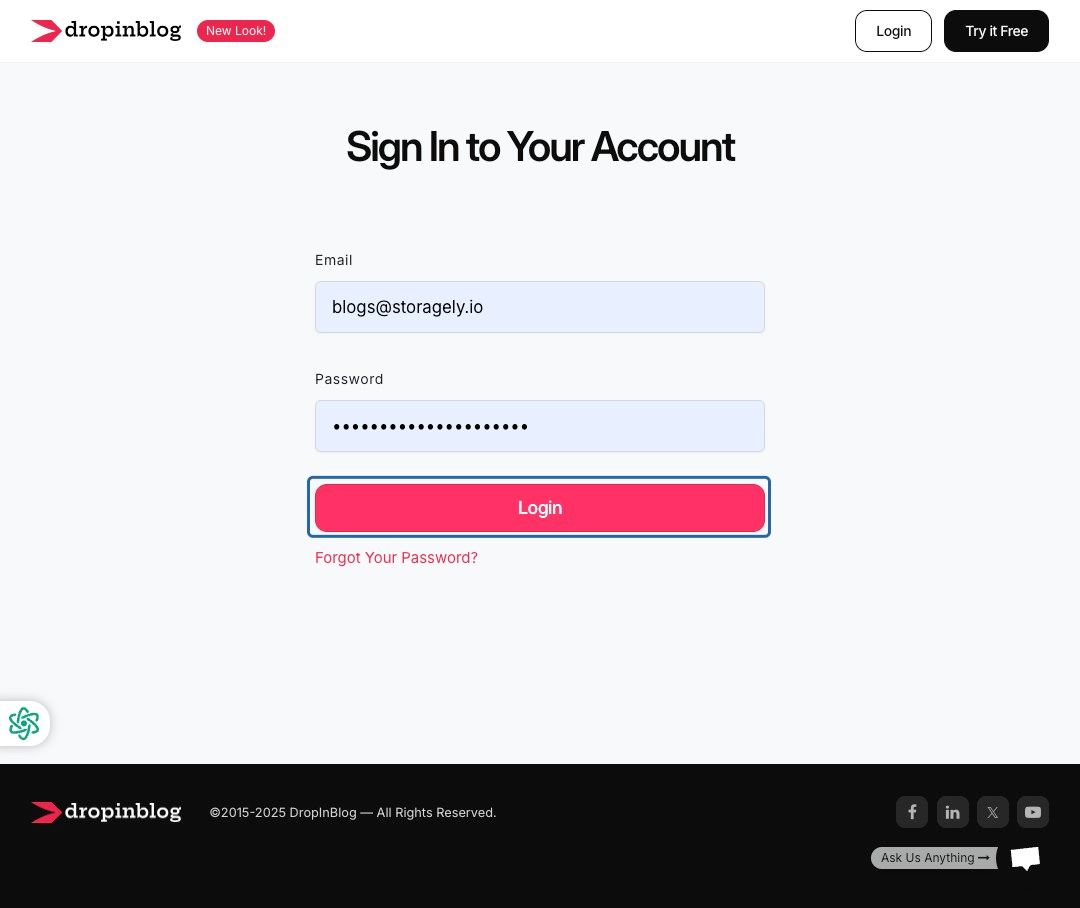
- Enter your login credentials and click Login
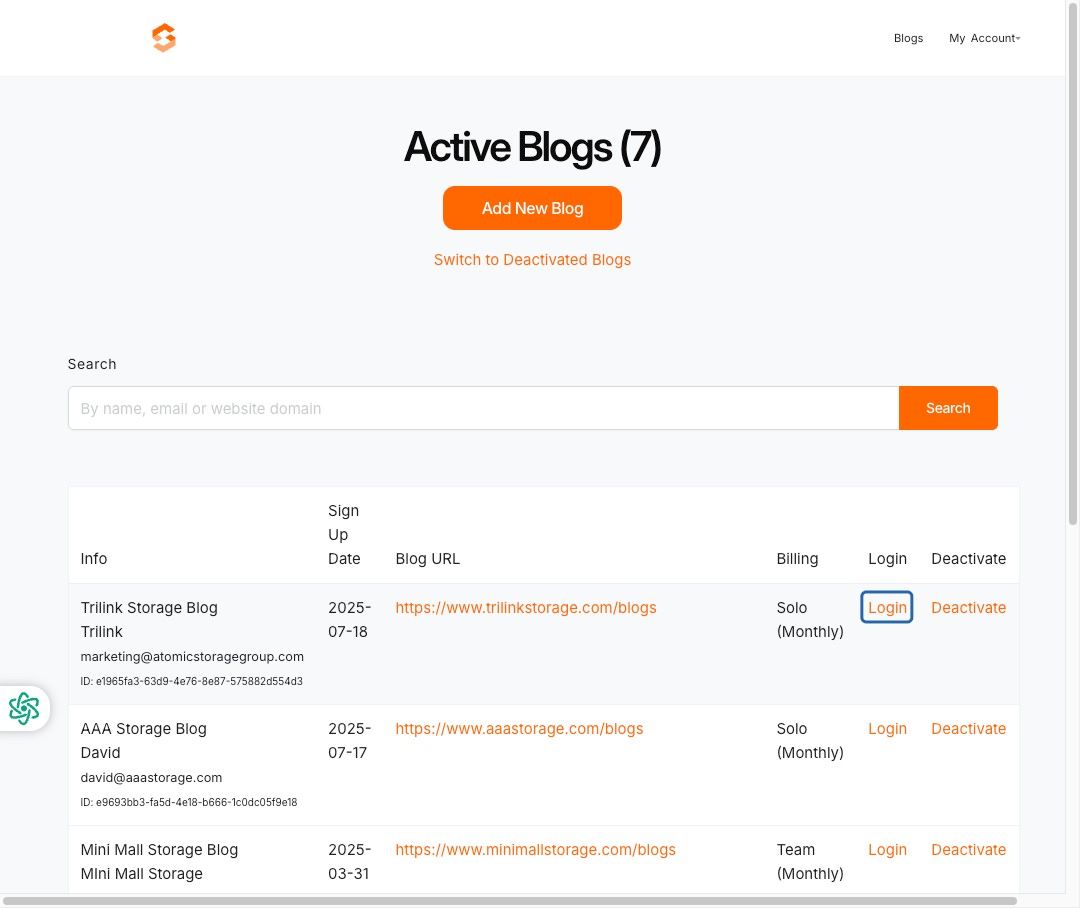
- Select the entity or facility for which you are creating a blog post by clicking Login
📝 Creating Your Post
Add a New Blog Post
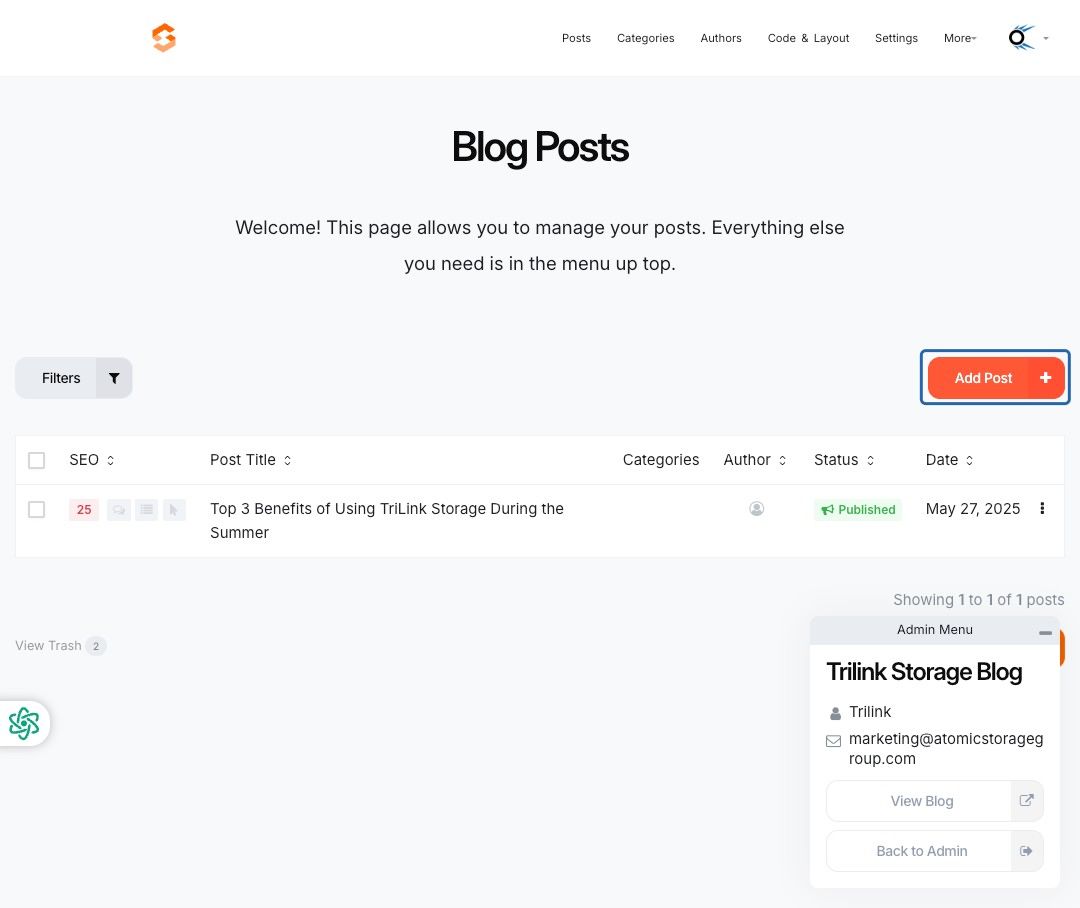
- Click Add Post from your blog dashboard
- In the Post Title (Heading 1) field, enter your blog title
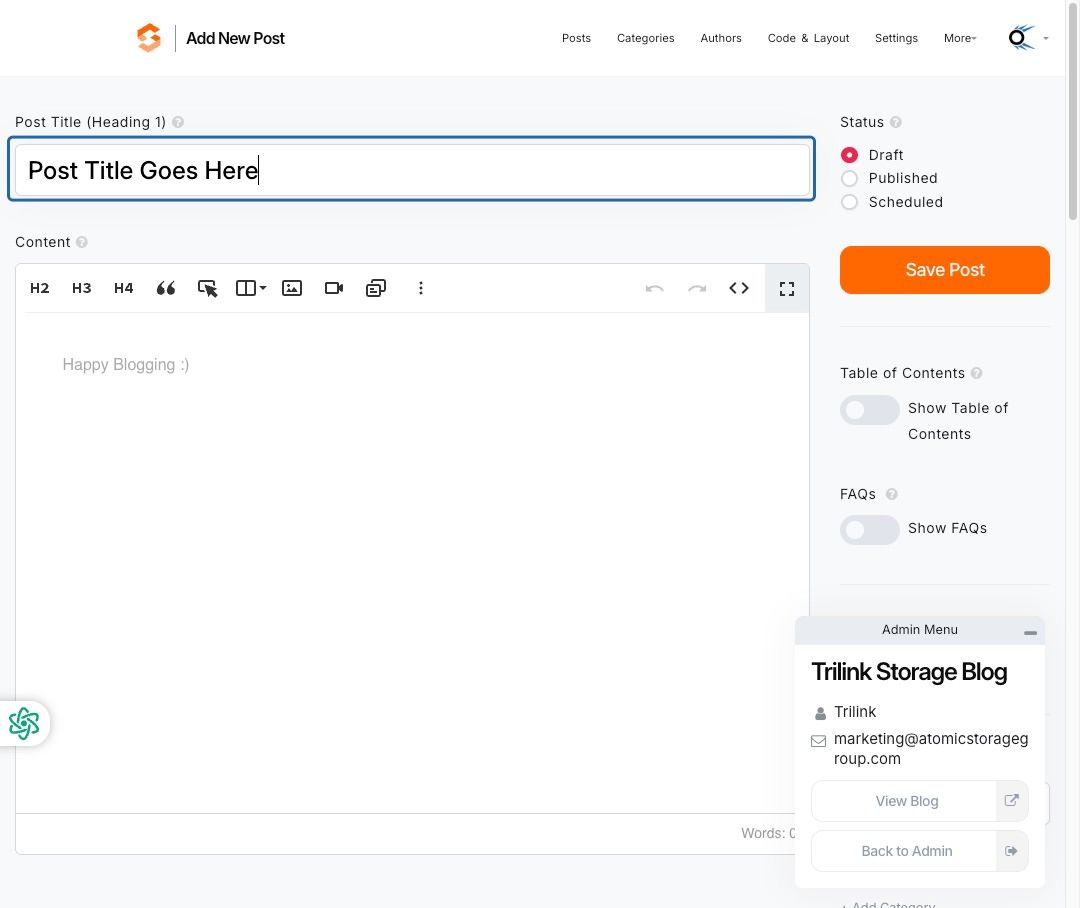
- Click the radio button next to Published
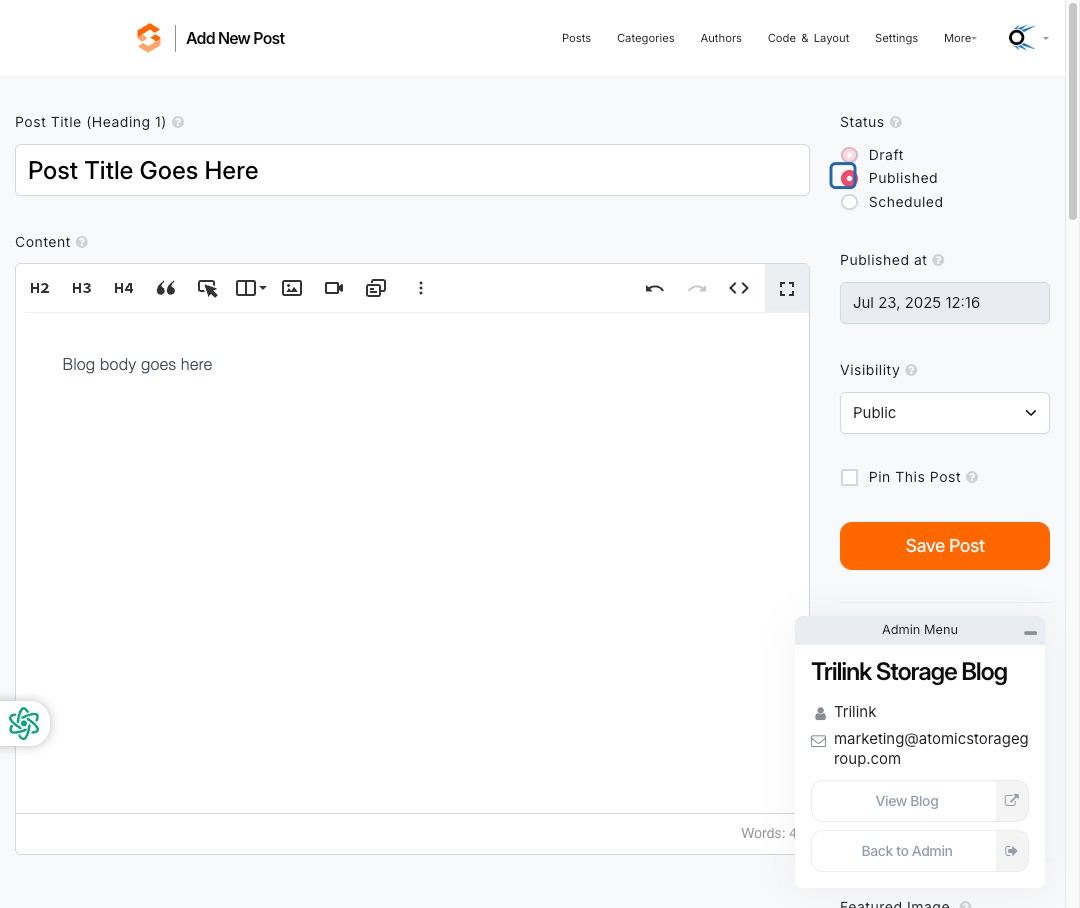
- Click Published at and:
- Select the desired date
- Select the time
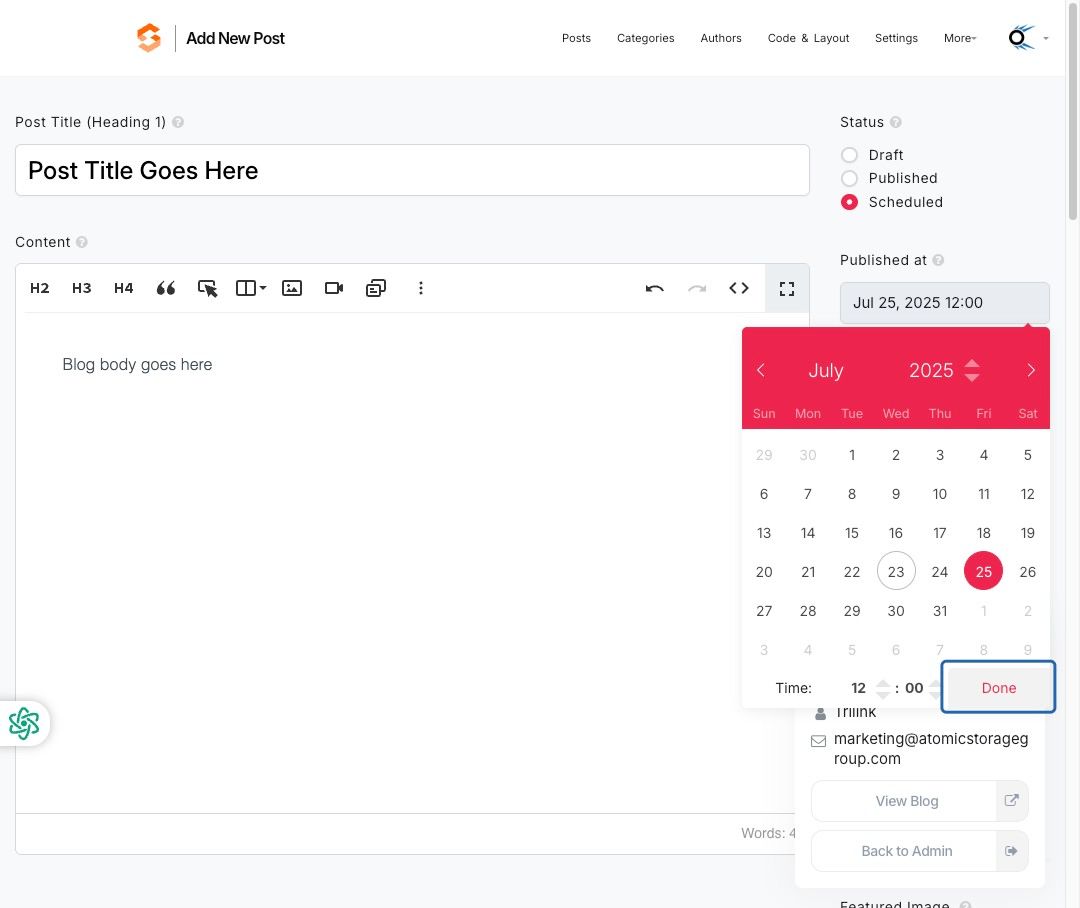
- Click Done
- Click Save Post
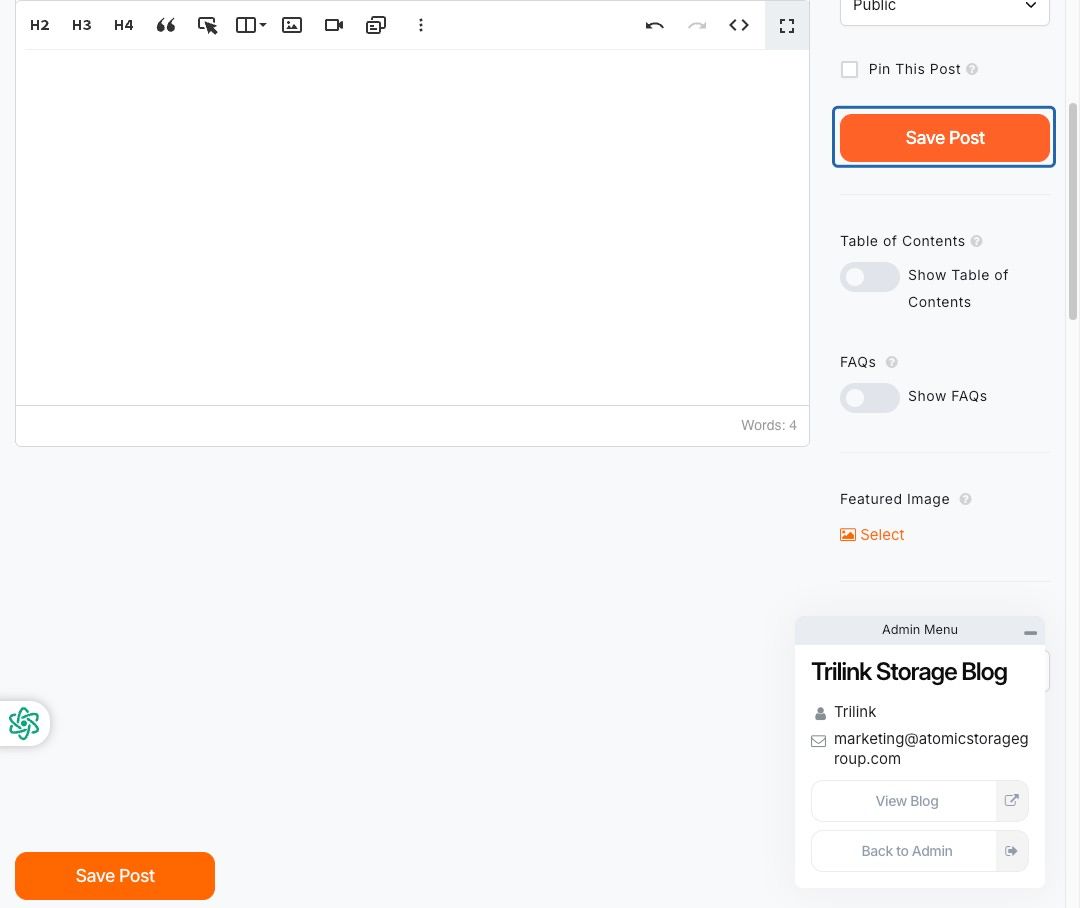
💡 You can leave the post as a draft or schedule it for later by choosing a future date/time.
🖼️ Add a Featured Image (Optional)
- Click Featured Image > Select
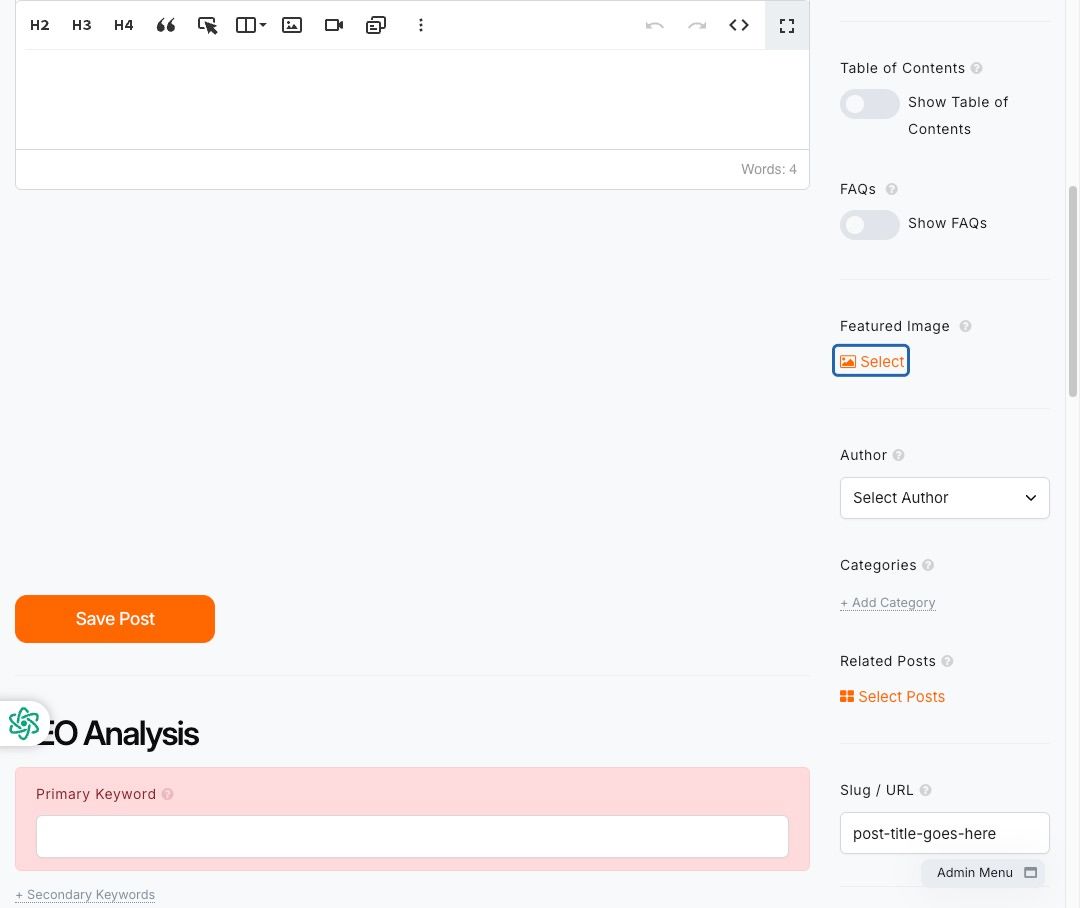
- Click Upload to add your blog image
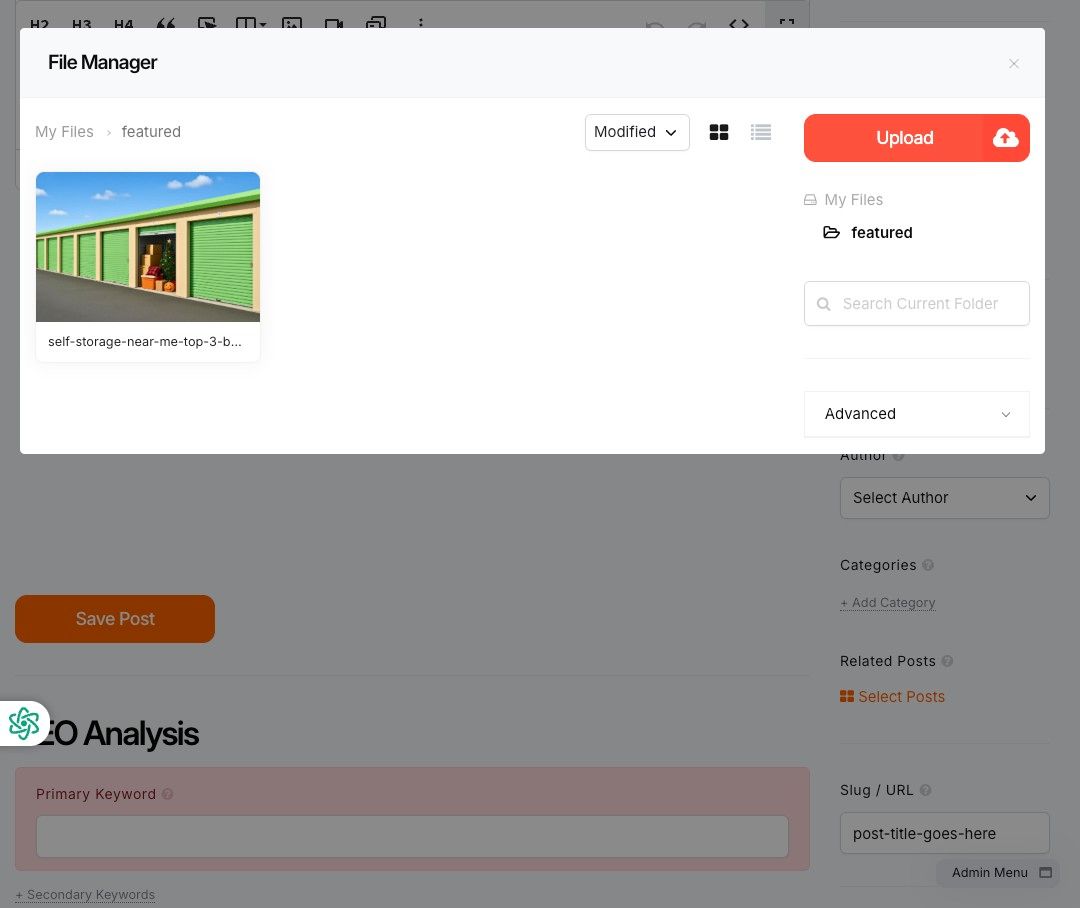
- Drag & Drop or browse to select the file
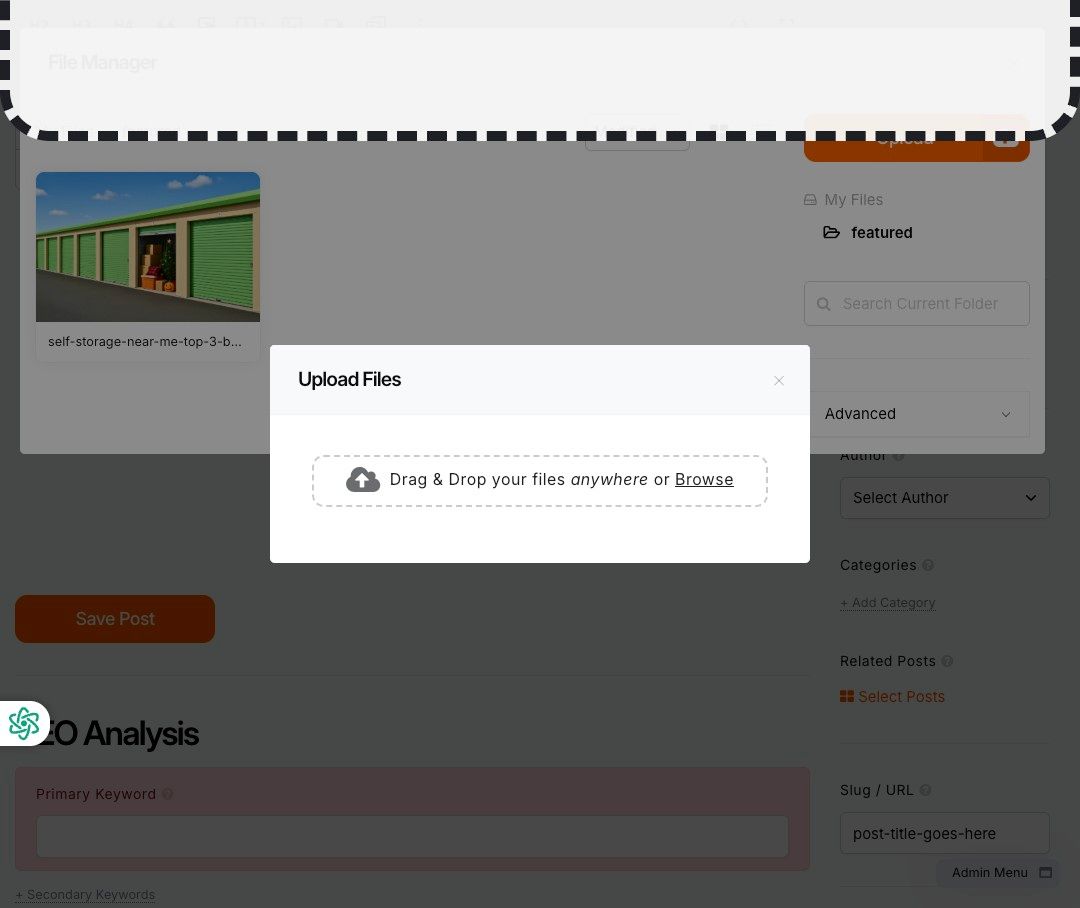
- Select the uploaded image and click Insert
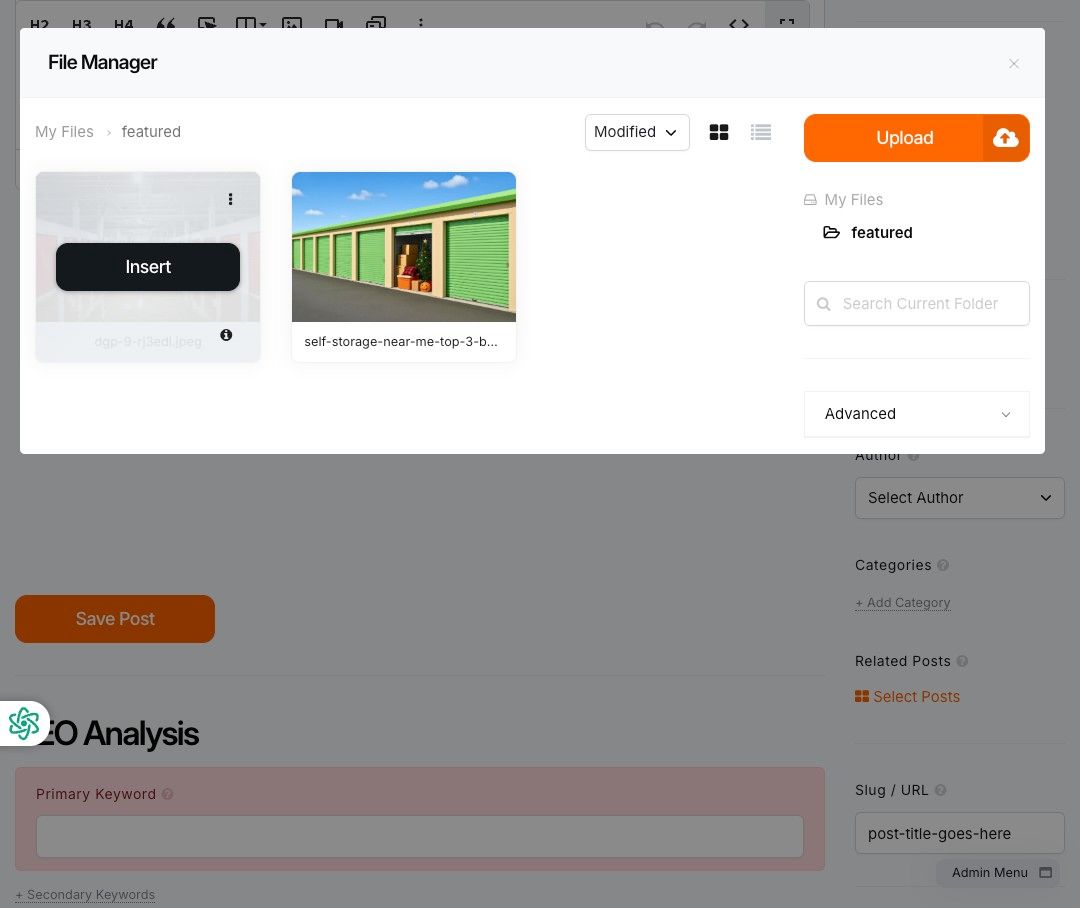
- Click Alt Text and enter a short, descriptive phrase for accessibility & SEO
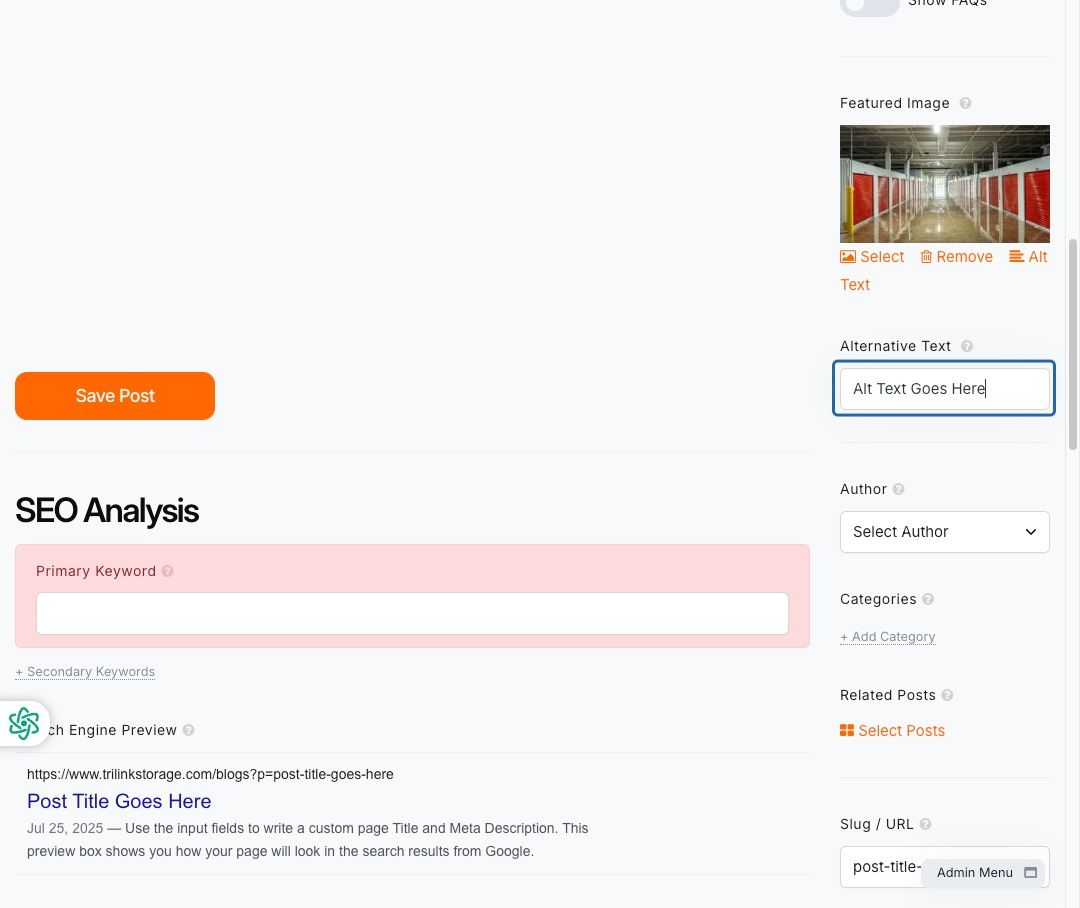
Note: Crop your image to 1400 x 788 and name the image appropriately to match your blog content / meta tag.
👤 Set Author and Post URL
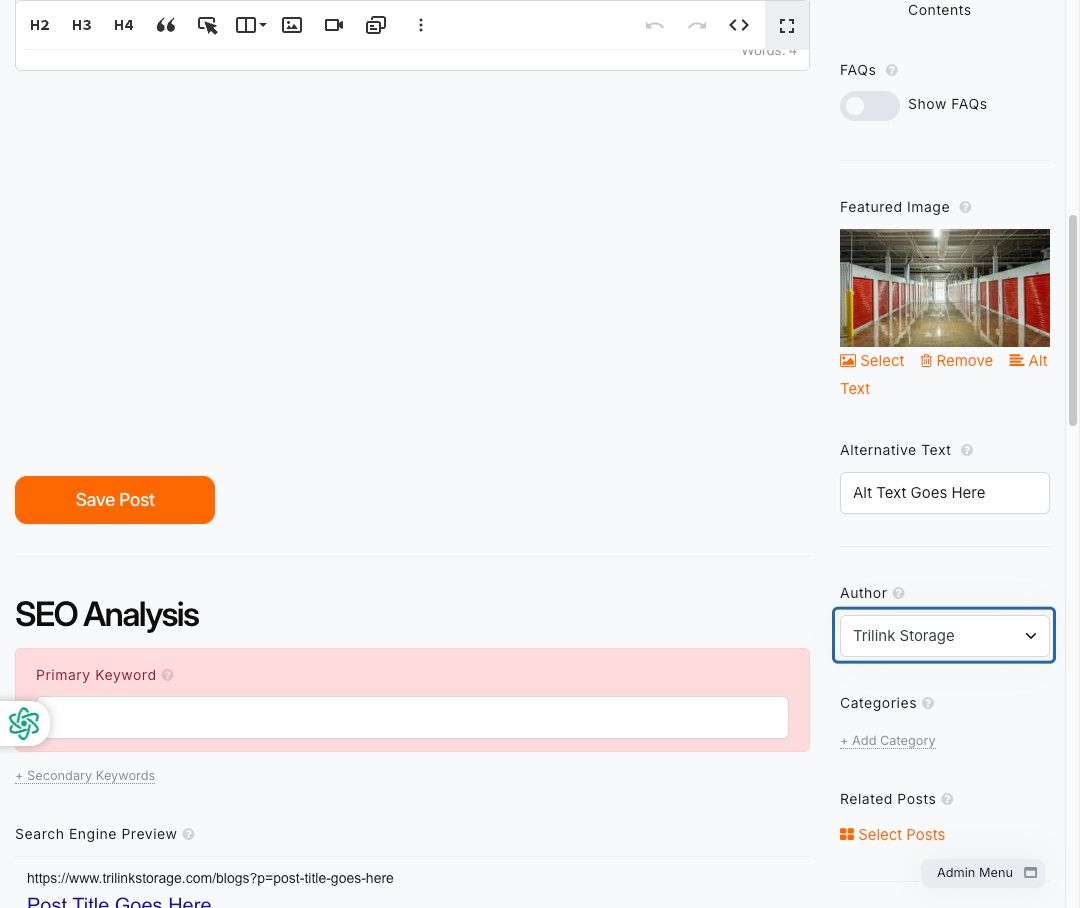
- Choose the Author from the dropdown menu
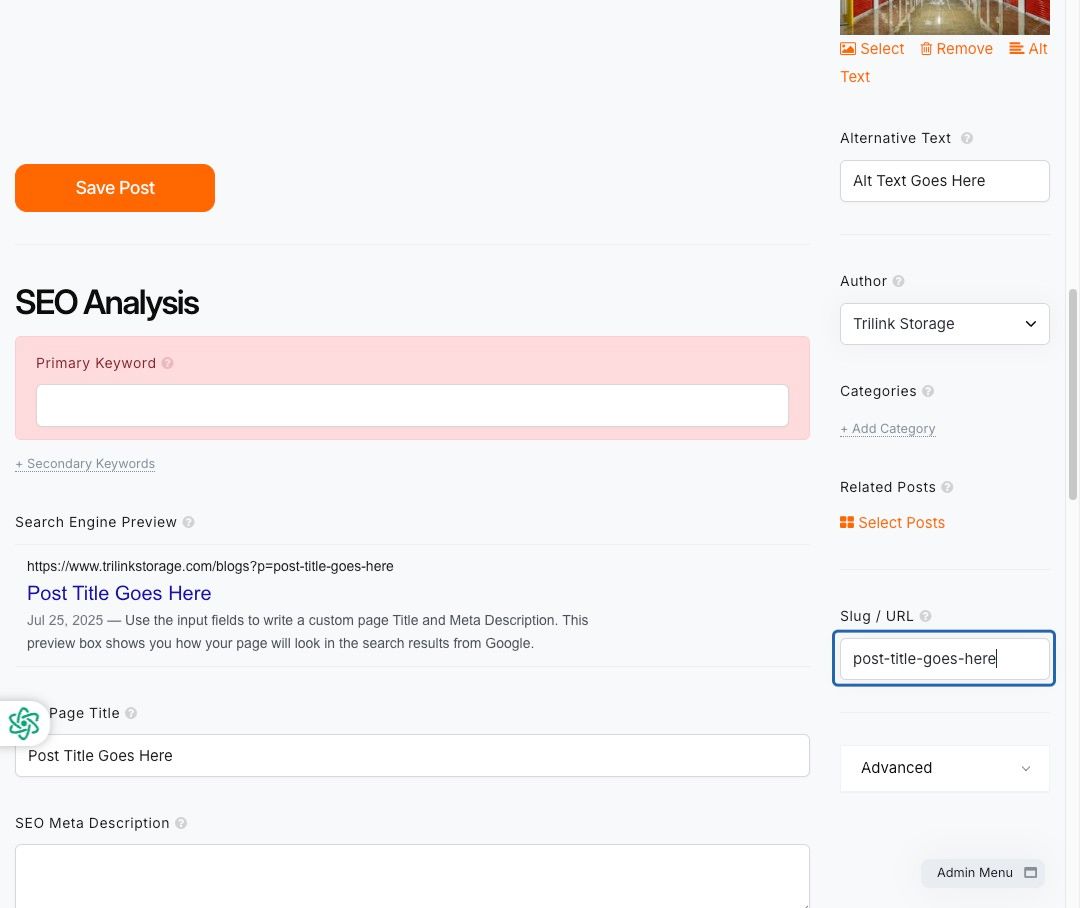
- Enter the Slug / URL for the post (e.g. `storage-tips-july`)
🔍 Optimize for SEO
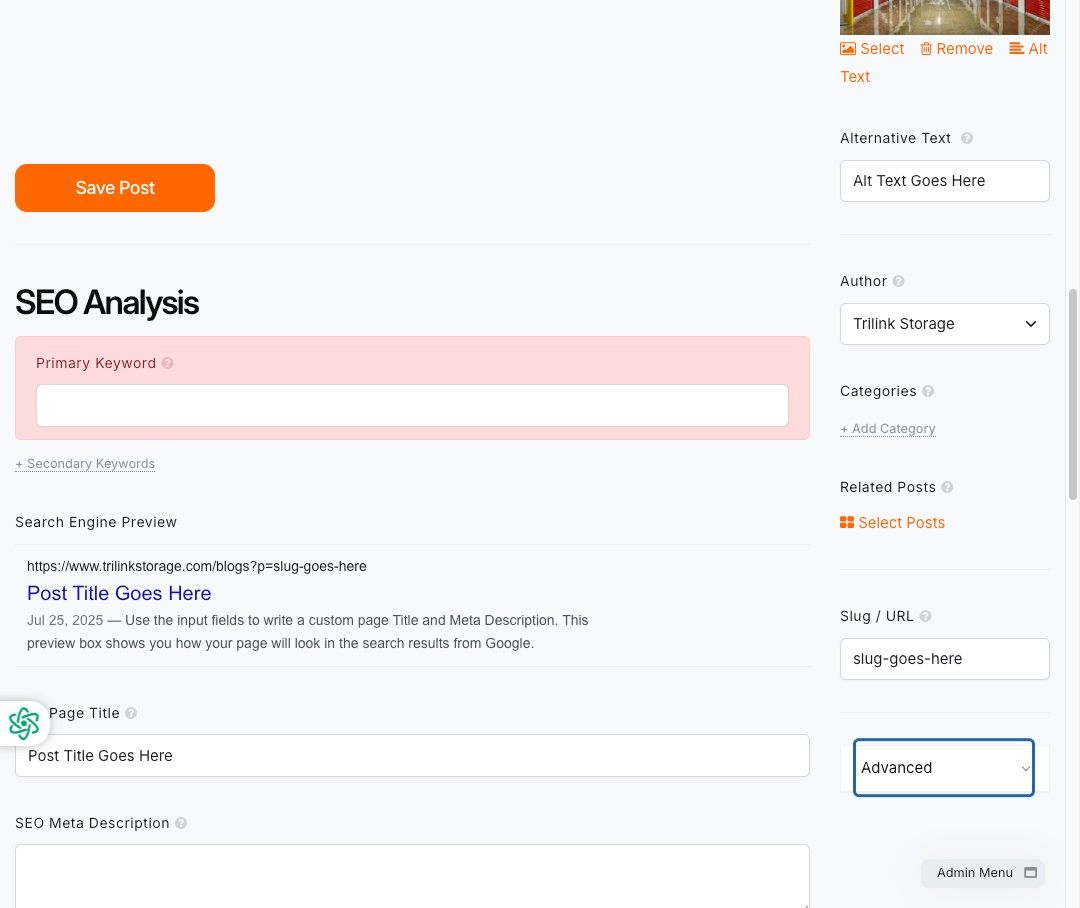
Access Advanced Settings
- Click Advanced
SEO Fields
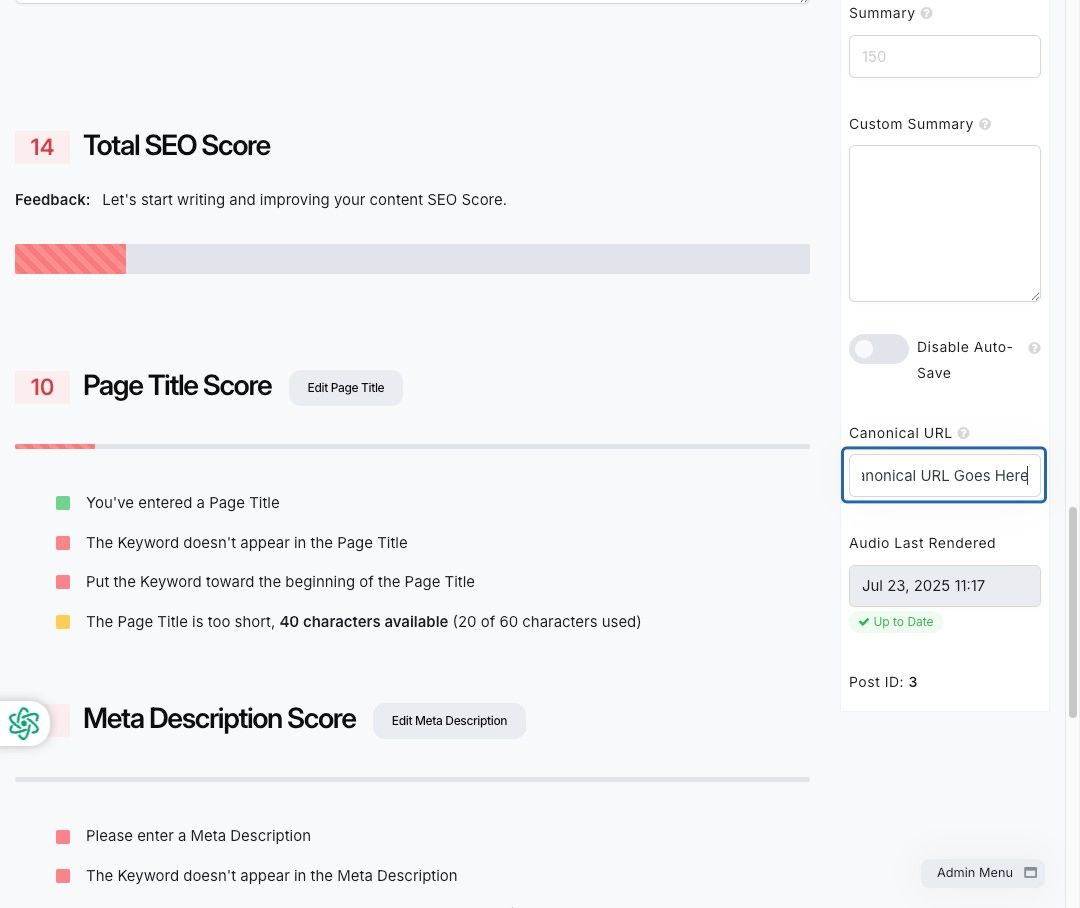
- Enter the Canonical URL (if applicable — optional)
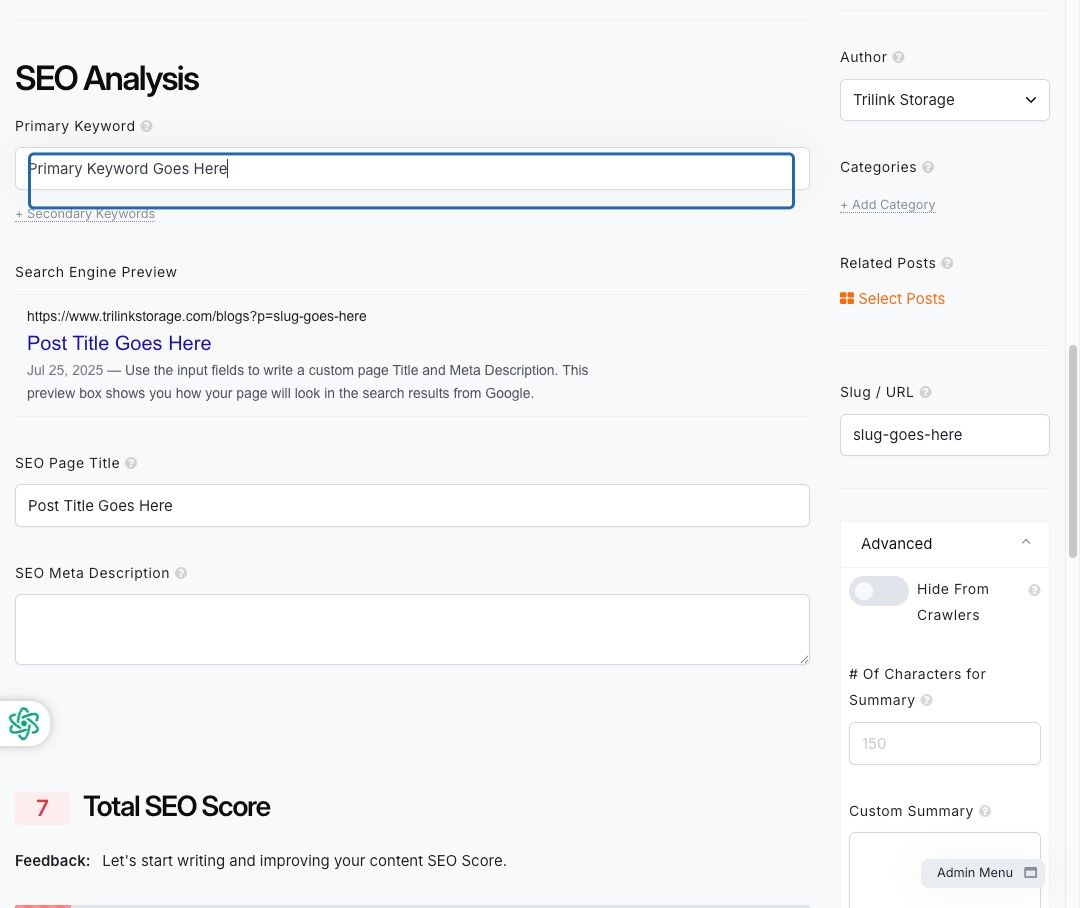
- Enter the Primary Keyword for the post
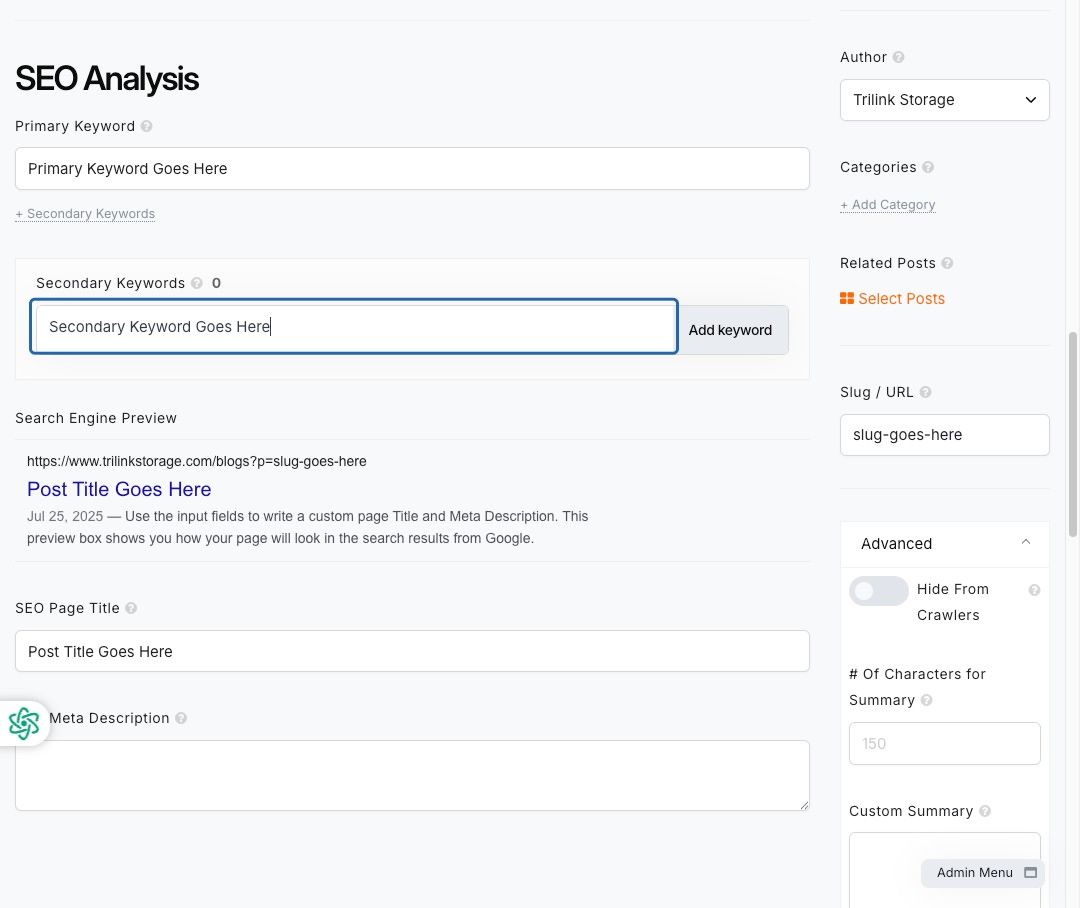
- Click + Secondary Keywords and add relevant keywords:
- Click Add keyword to apply
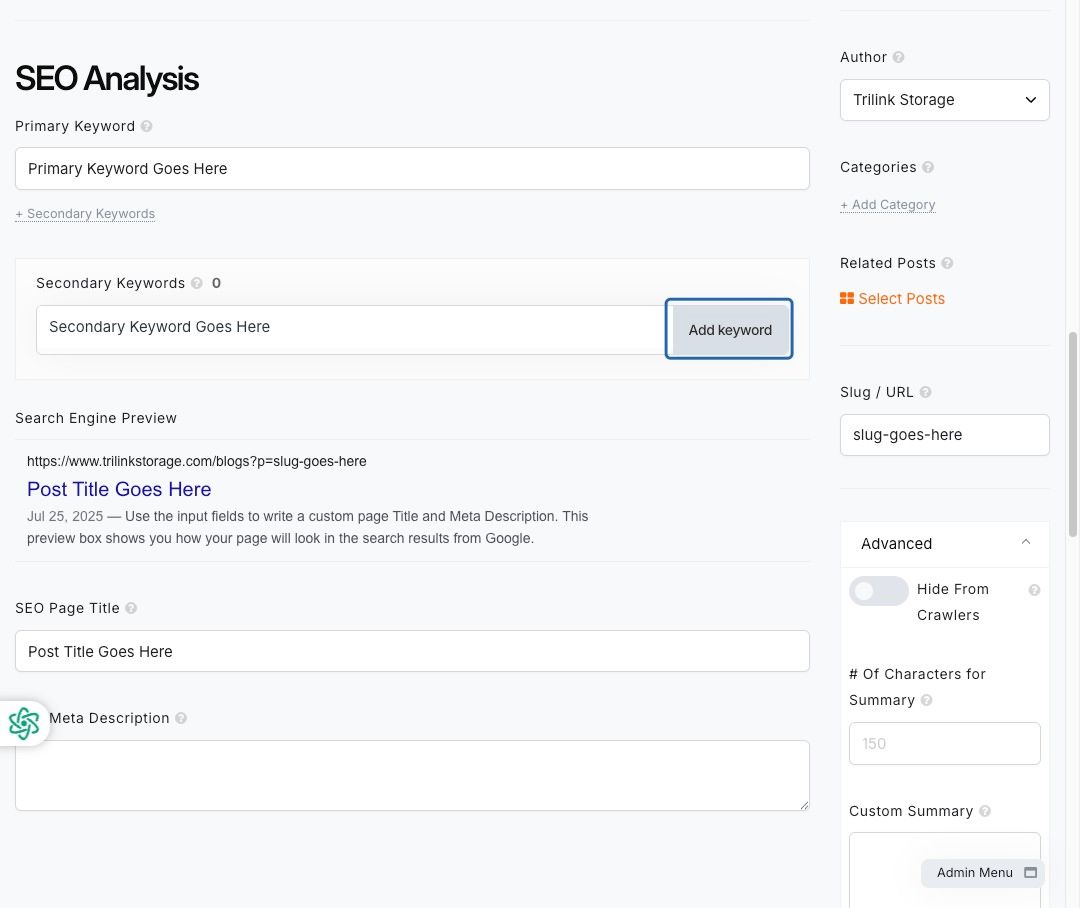
- Repeat to add multiple Secondary Keywords
- Click Add keyword to add each additional keyword(s)
- Enter your SEO Meta Description
- Keep it under 160 characters
- Include your primary keyword naturally
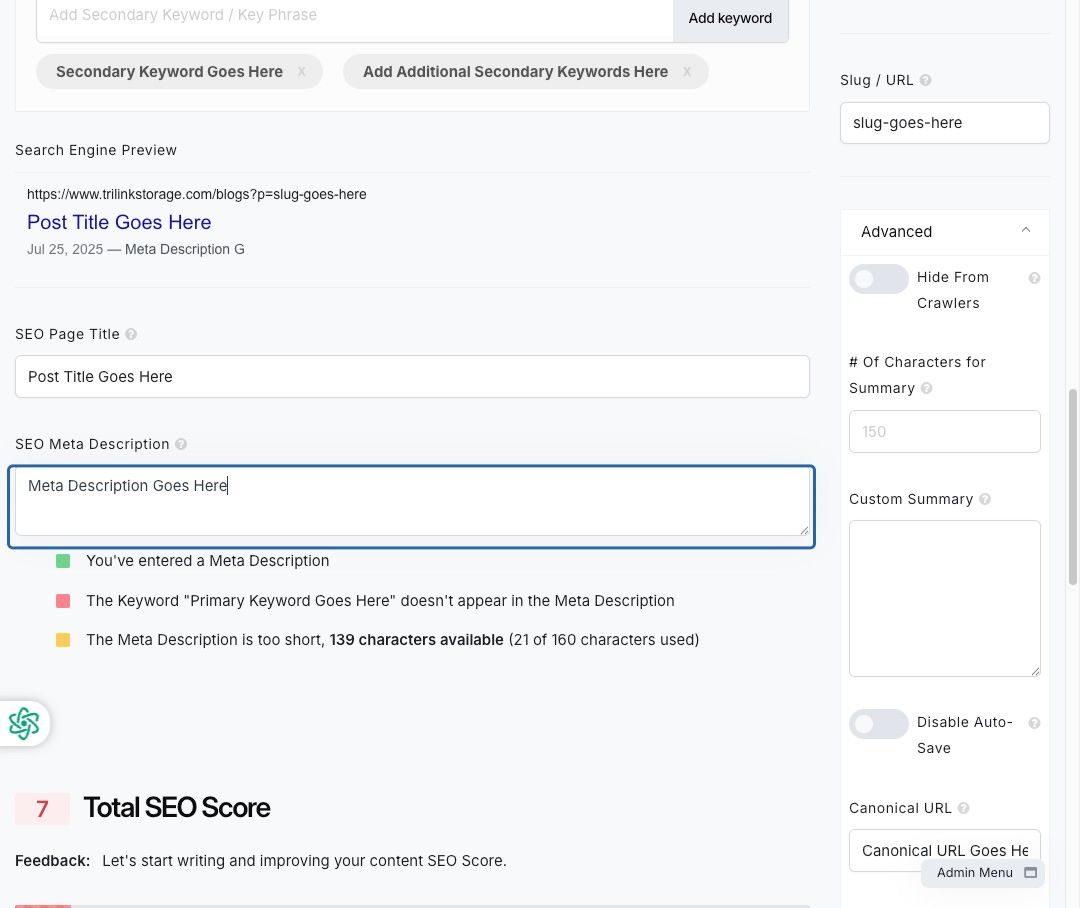
🧠 Good SEO boosts your blog’s visibility in search engines. Be intentional with titles, descriptions, and keywords.
✅ Final Steps
- Review your post formatting and content
- Confirm all SEO and metadata are filled in
- Click Save Post
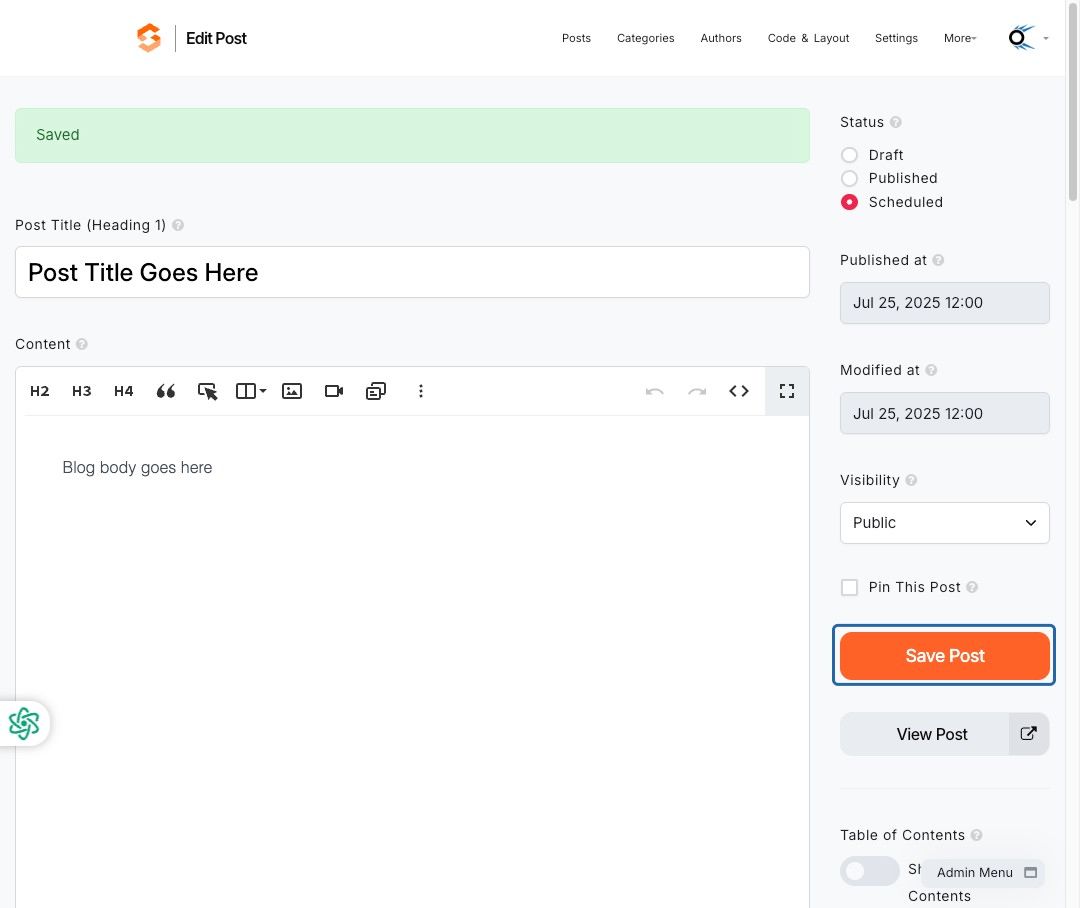
To preview your post before publishing, click View Post.
🧾 Pre-Publish Checklist
Use this list to double-check before going live:
Title is clear and compelling
Blog body content is formatted and reviewed
Featured image is uploaded (optional)
Alt text is added for images
Author is selected
Slug / URL is SEO-friendly
Publish date/time is set correctly
Primary and secondary keywords added
SEO title and meta description optimized
Post is saved and ready to publish
💡 Additional Resources
As always, if you have any questions during this process, our Customer Success Team is here to help. The best way to reach us is by submitting a support ticket.