All Location Page Settings
1. Introduction
The All Locations Page Settings in the Standard Web Pages section of the Storagely Dashboard allow facility operators to manage and customize the page that displays all storage facility locations. This page helps customers find a nearby storage facility and provides key details for each location.
2. Navigating to All Locations Page Settings
To access the All Locations Page Settings:
- Log in to your Storagely Dashboard.
- In the left sidebar menu, click on Storage Website.
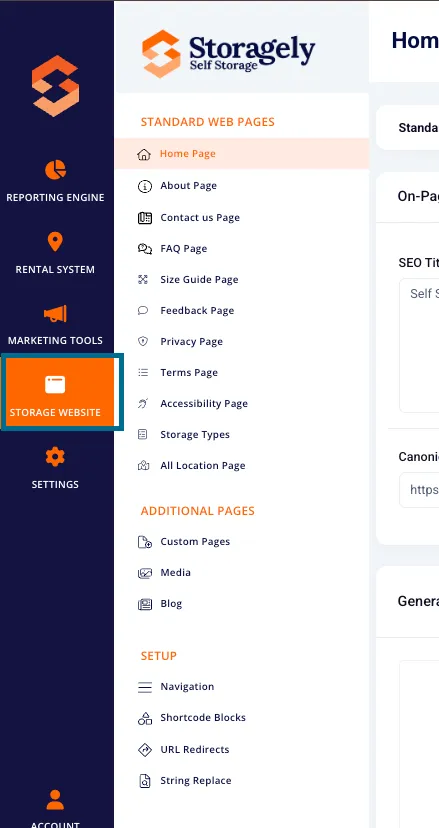
- Select Standard Web Pages → All Locations Page from the available options.
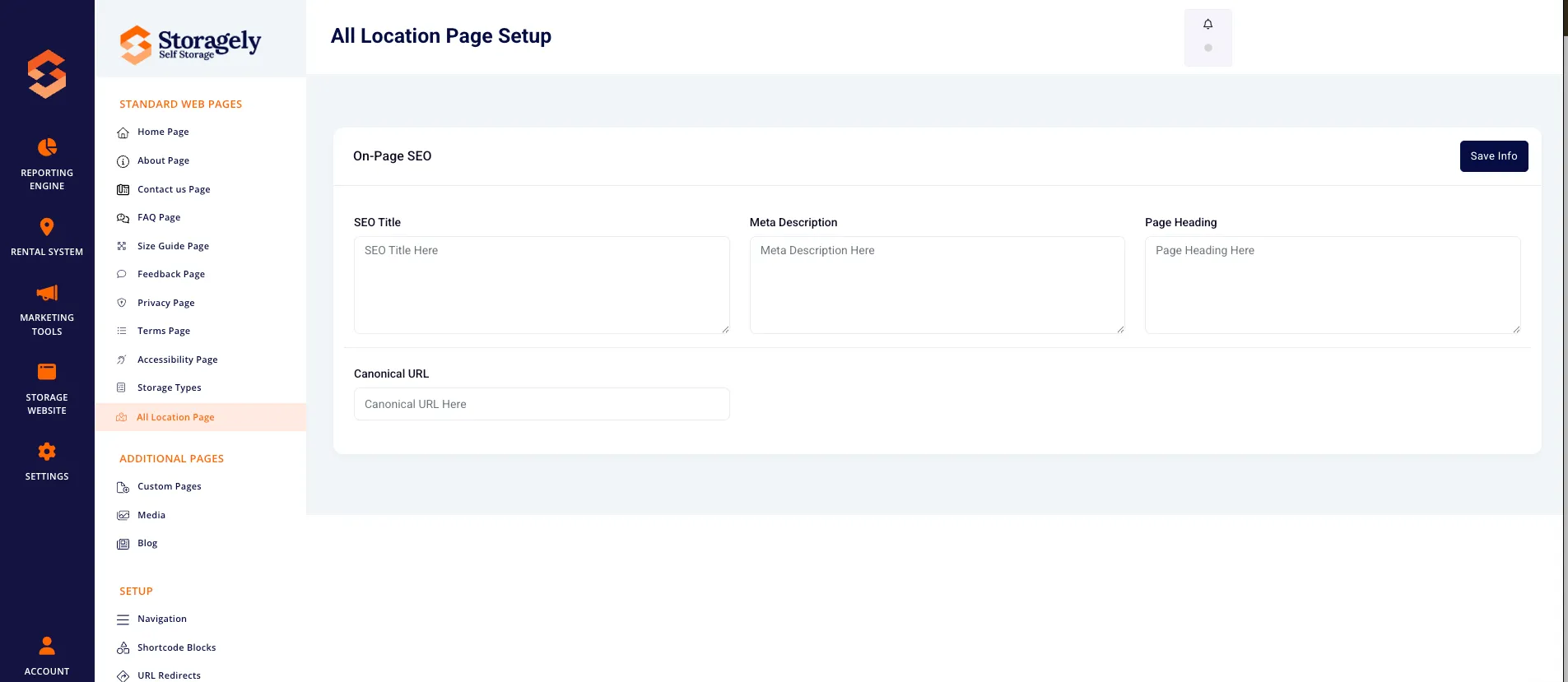
3. Understanding the All Locations Page Settings Interface
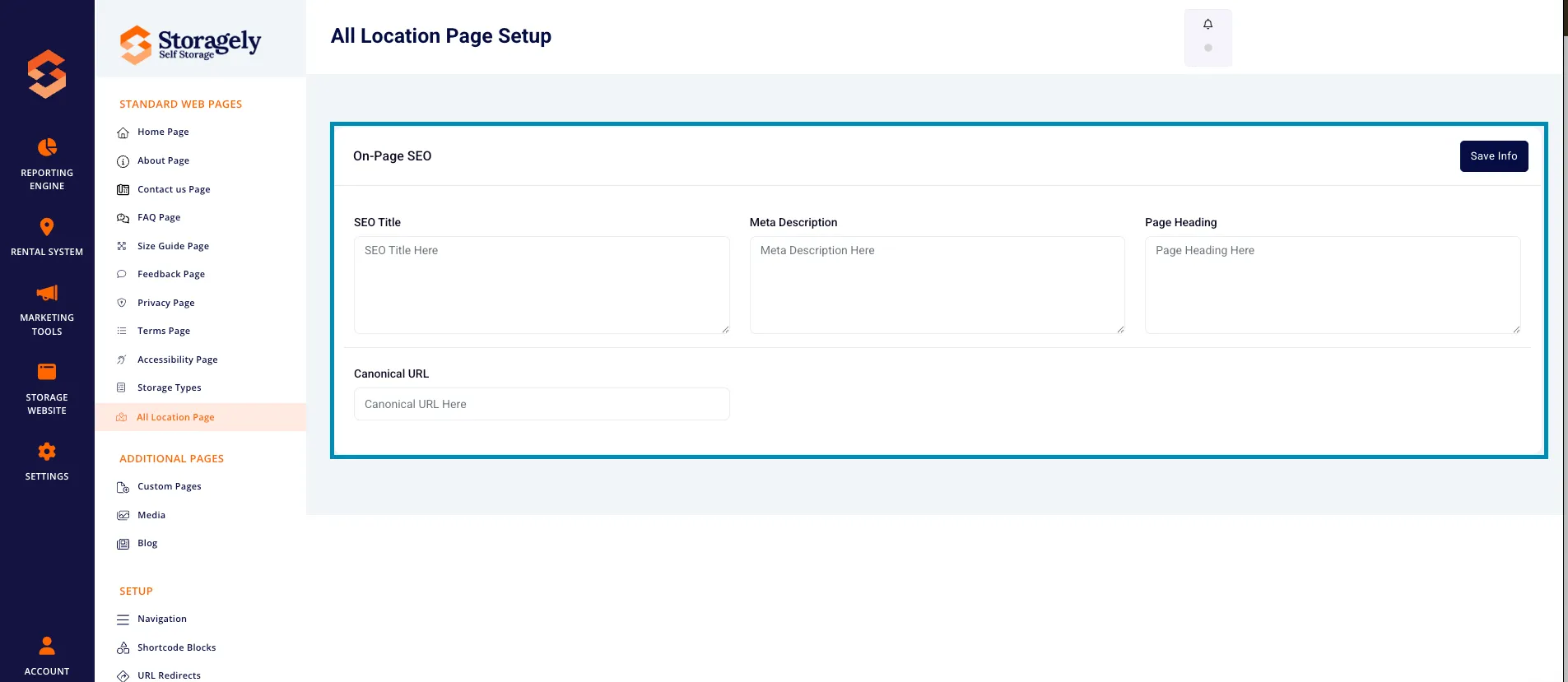
A. SEO Settings
- SEO Title – Defines the page title appearing in search engine results.
- Meta Description – A short description that helps improve search visibility.
- Page Heading – The main heading displayed at the top of the All Locations page.
- Canonical URL – Helps search engines determine the preferred version of the page.
B. Save & Publish
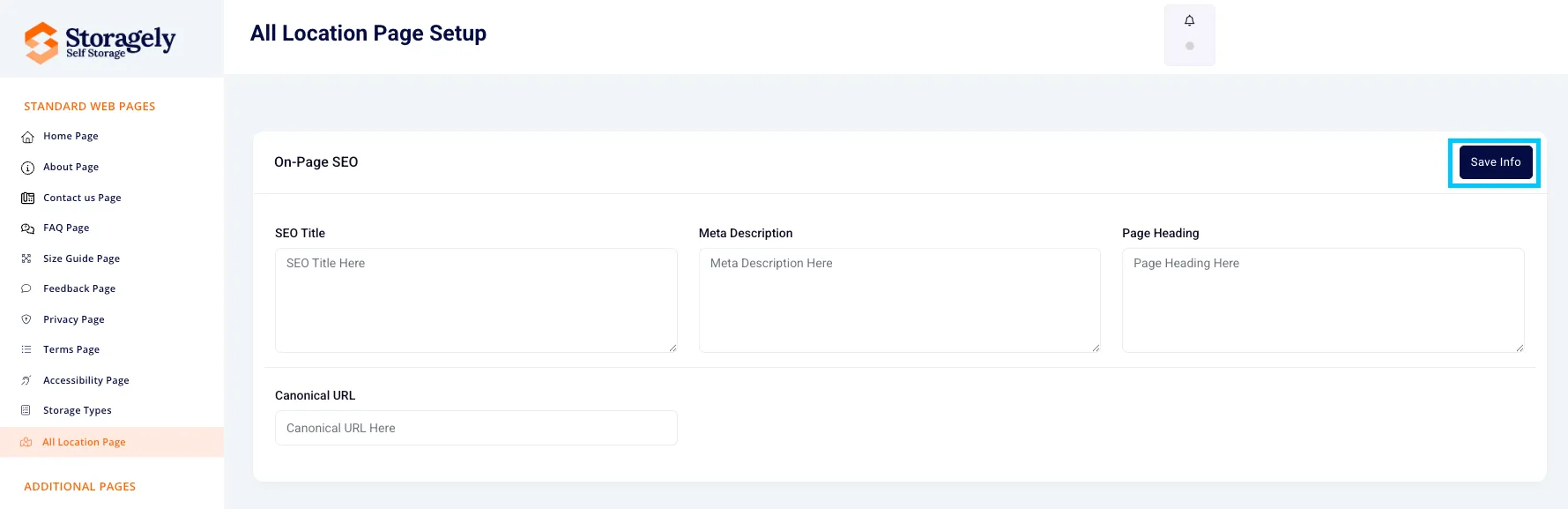
- Click “Save Info” to apply any changes made to the SEO settings.
4. How to Customize the All Locations Page
Step 1: Optimize SEO Settings
- Enter an SEO-friendly title and meta description.
- Set the Page Heading that will appear at the top of the page.
- If needed, add a Canonical URL to avoid duplicate content issues.
Step 2: Save Changes
- Click “Save Info” to apply updates to the page.
5. Best Practices for the All Locations Page
✅ Ensure the Page Heading is clear and describes the purpose of the page. ✅ Optimize SEO settings for better search rankings. ✅ Use a user-friendly description in the meta description for improved visibility. ✅ Ensure that each facility location has up-to-date details on the website.
6. FAQs & Troubleshooting
Q1: How do I update the list of locations on this page? A: The All Locations Page dynamically pulls facility details from your rental system. Ensure all locations are properly set up in the system.
Q2: Can I change the page layout? A: Currently, layout changes require custom HTML and CSS modifications via the Custom Pages section.
Q3: What happens if I leave the SEO settings blank? A: Default values will be used, but optimizing SEO settings is recommended for better search visibility.
Q4: How do I make changes live on the website? A: Click “Save Info” to apply updates immediately.
As always, if you have any questions during this process, our Customer Success Team is here to help. The best way to reach us is by submitting a support ticket.