Navigation Setup
7 min
Overview
Customize your website’s navigation menus (main nav, header, footer) using the drag-and-drop interface in the Storagely Dashboard.
Accessing Navigation Settings
- Log in to the Storagely Dashboard.
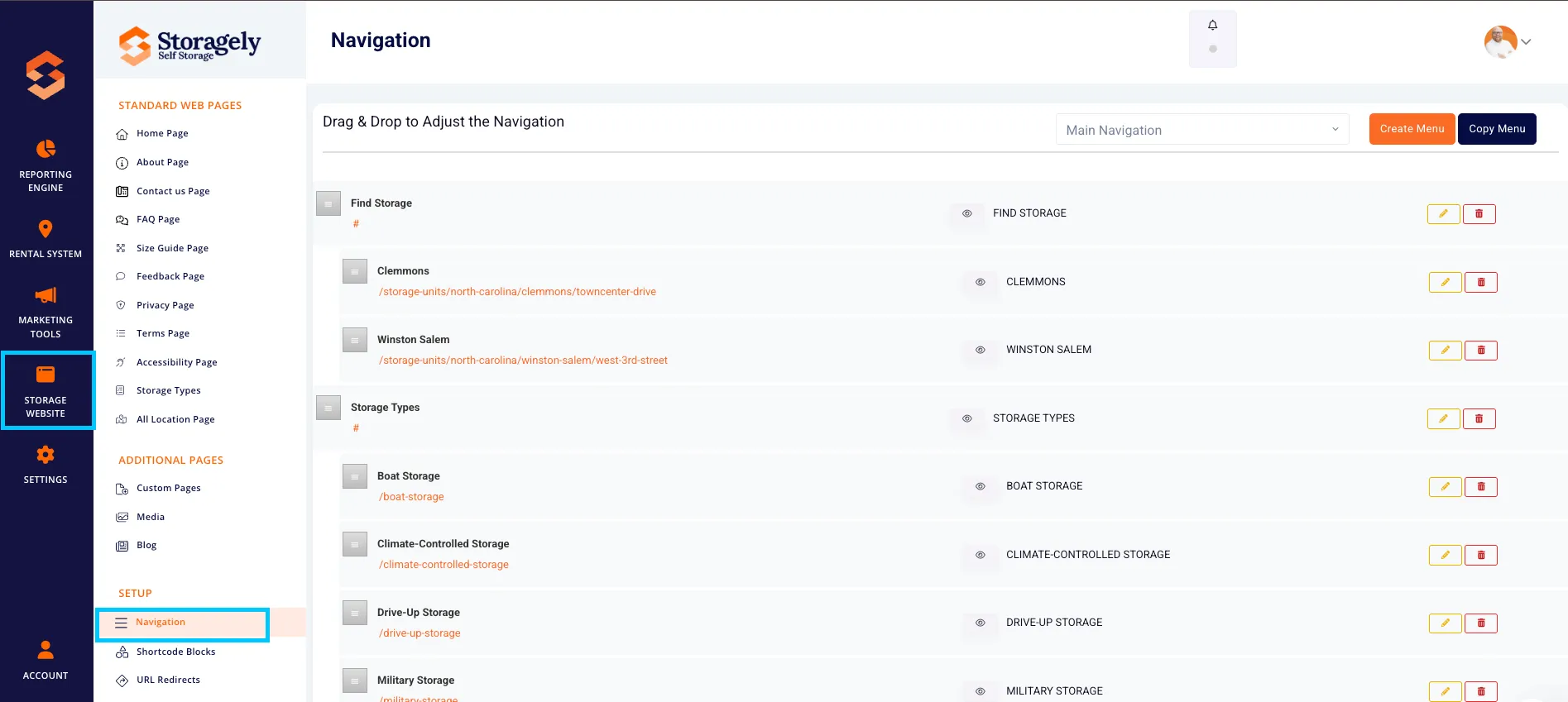
- Navigate to Storage Website > Navigation.
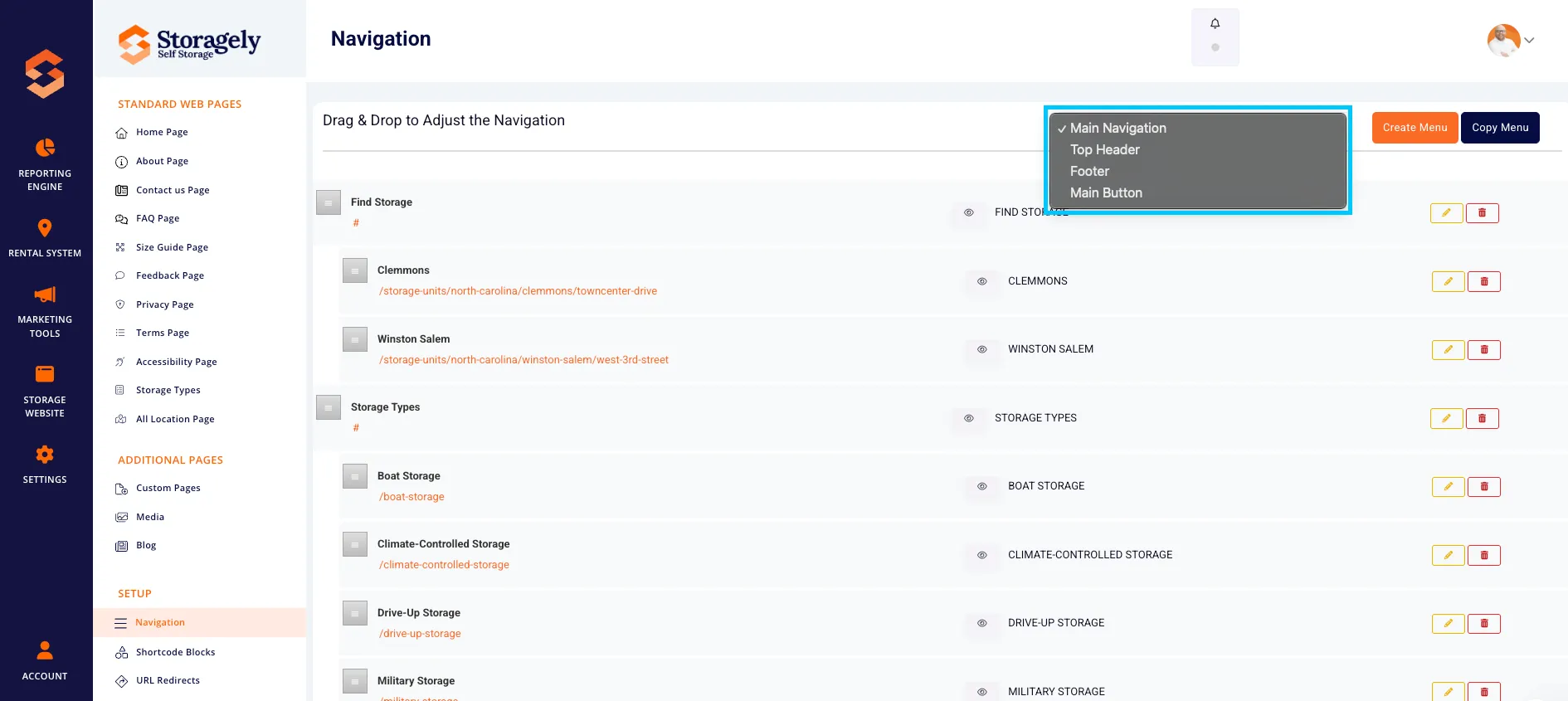
- Use the dropdown menu to select the navigation section you’d like to edit:
- Main Navigation
- Top Header
- Footer
- Main Button
Creating & Editing Menus
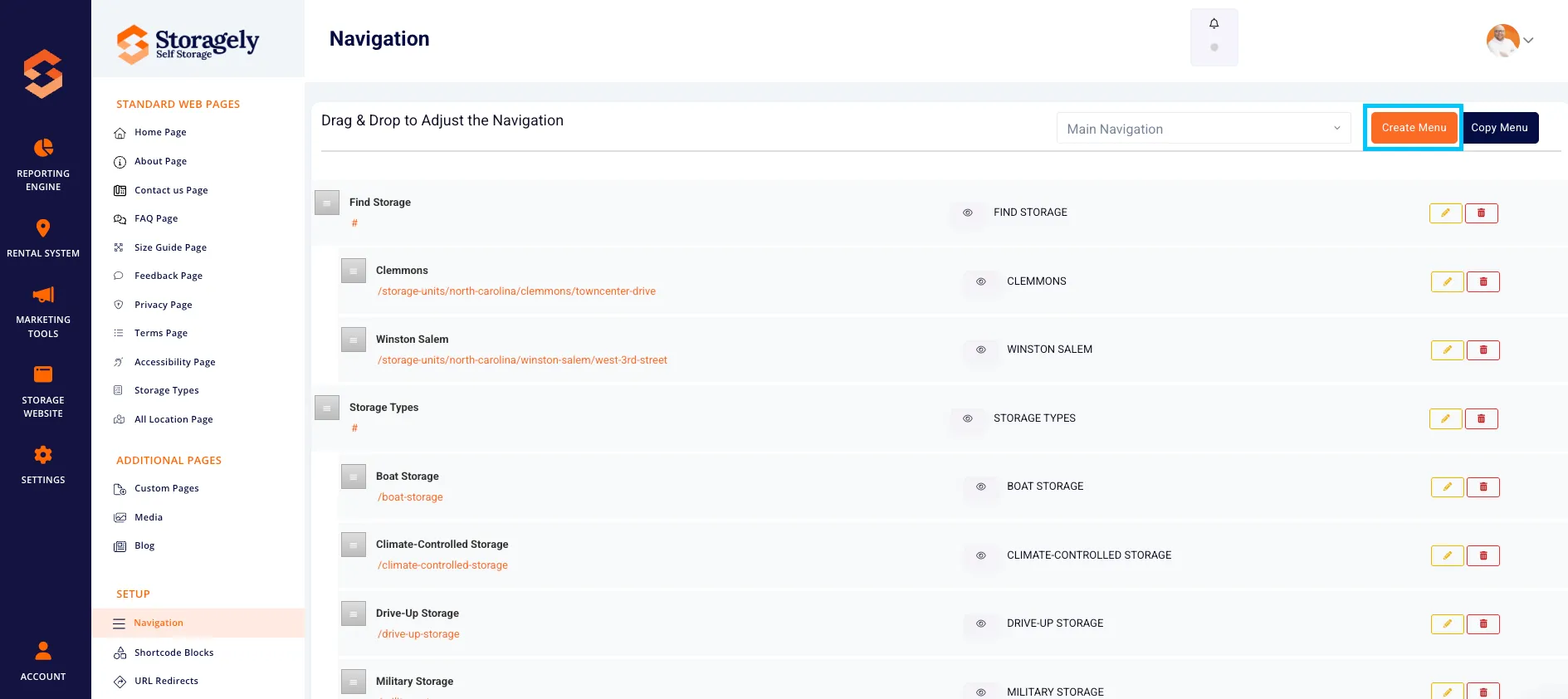
- Click Create Menu to add a new navigation item.
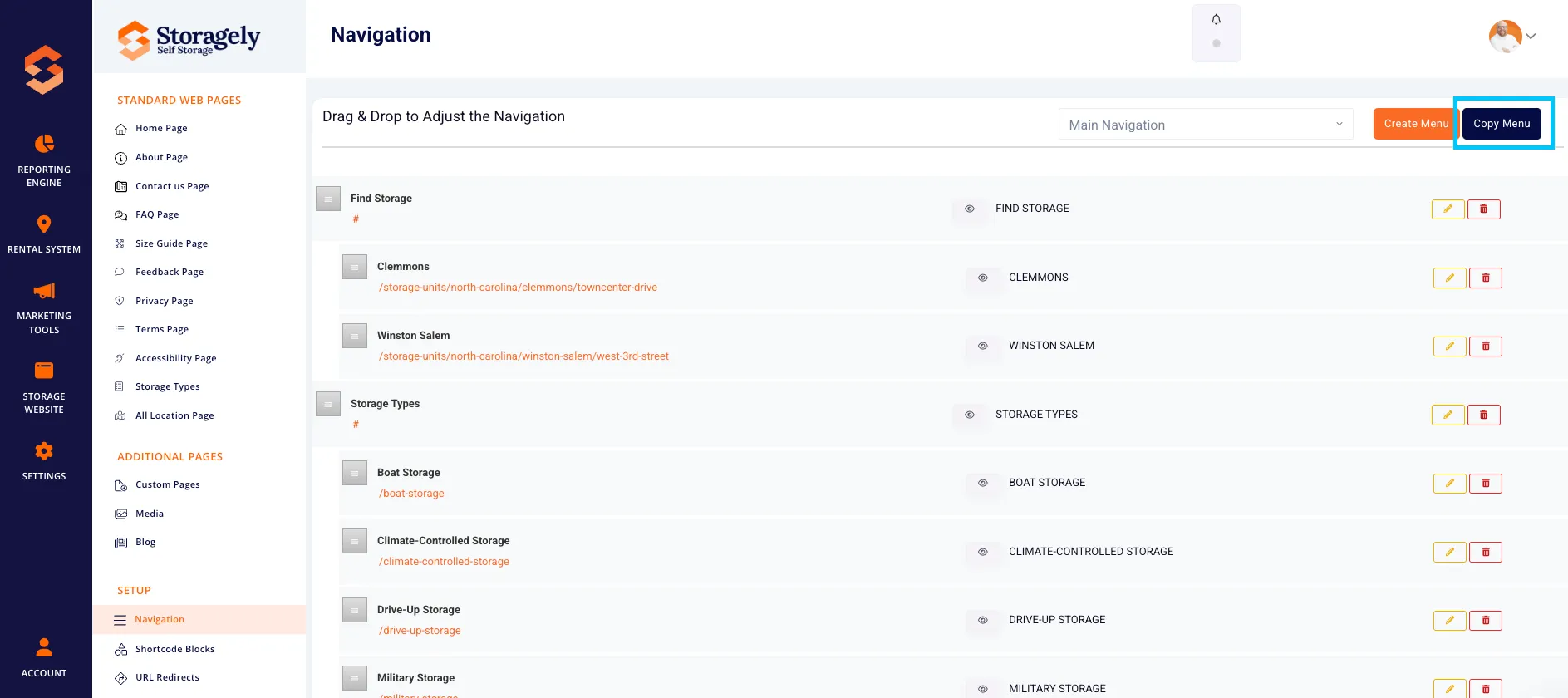
- Use Copy Menu to duplicate an existing menu structure.
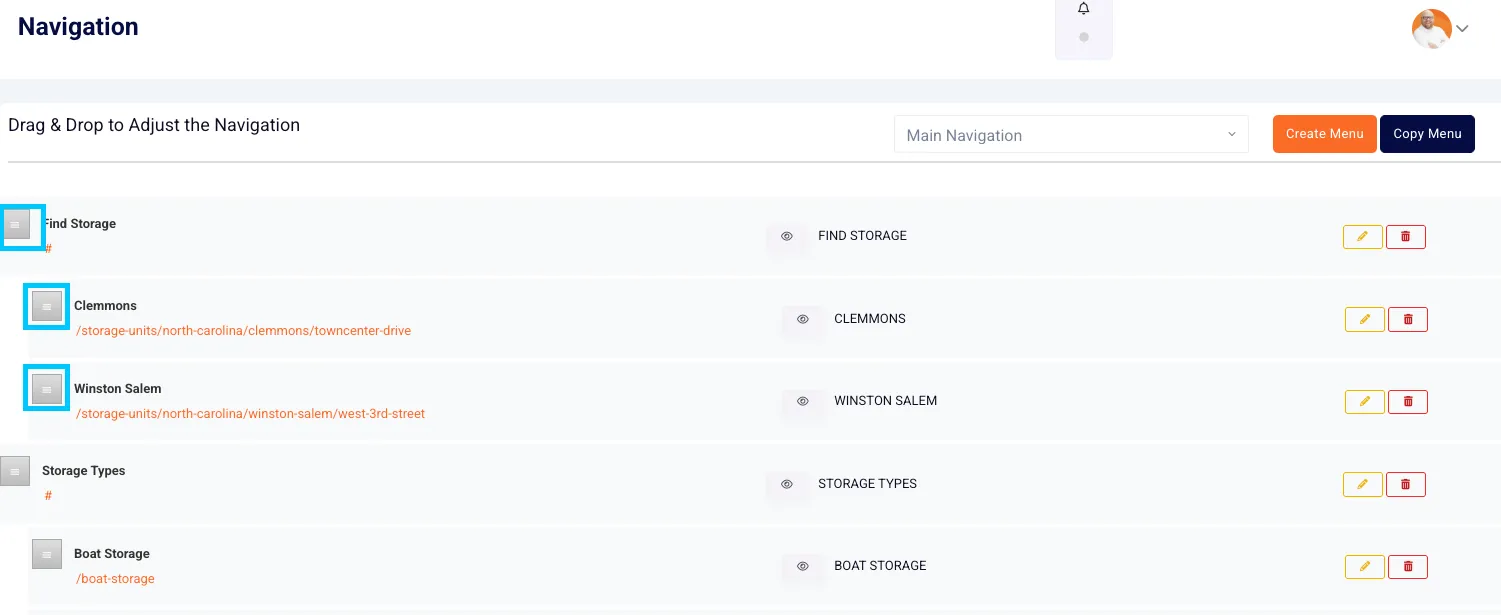
- Drag and drop items to reorder them.
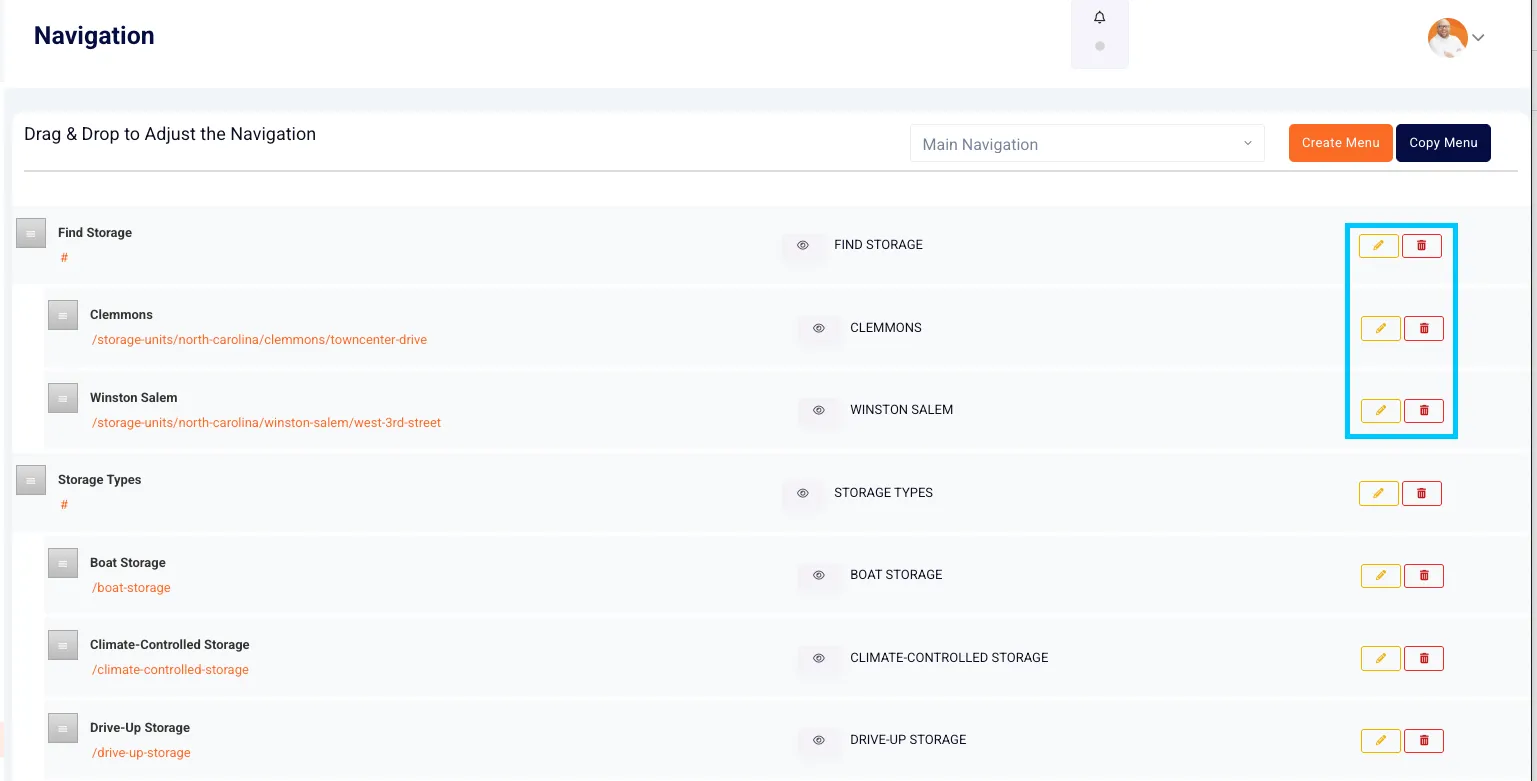
- Click the pencil icon to edit or the trash icon to remove an item.
Using Nested Navigation
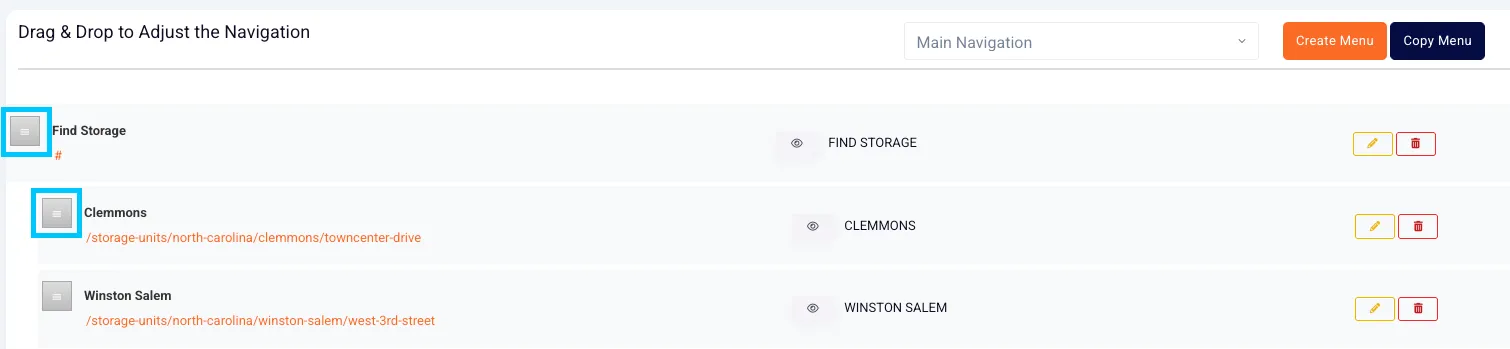
- Create submenus by dragging items under a parent item.
- This is useful for organizing pages under states, cities, or categories.
- Each menu item can include:
- Name
- Link
- Active/Inactive status
Managing Links
- Links can point to:
- Internal pages (e.g., /storage-units-houston)
- External URLs (e.g., https://externalresource.com)
- To create a non-clickable placeholder, use # as the link value.
Toggling Visibility
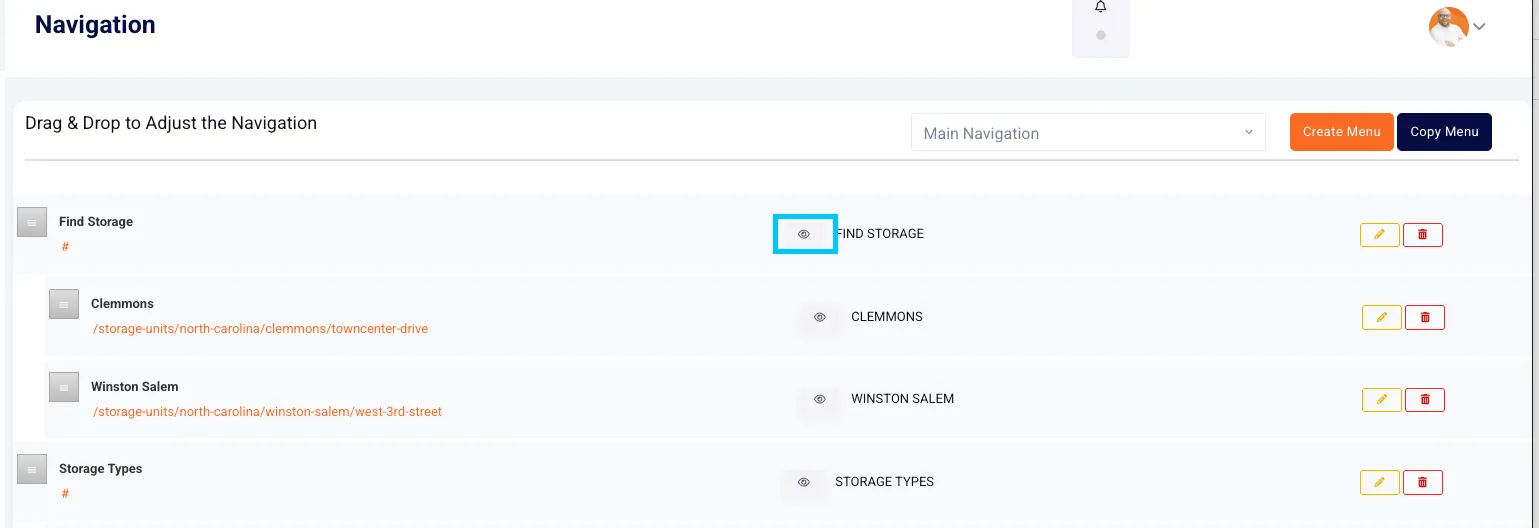
- Use the eye icon to toggle whether a menu item is visible.
- Active = shown on the live website
- Inactive = hidden from visitors
Best Practices & Tips for Menu Creation
- Keep it simple and scannable Limit the number of top-level menu items to 5–7 for a cleaner, easier-to-navigate interface.
- Use clear, intuitive labels Menu names should be short, descriptive, and relevant to your customers (e.g., “Storage Units” vs. “Explore Our Facility”).
- Group related content Use nested menus to organize by location, region, or category. Avoid overwhelming users with a long single-level list.
- Prioritize most-used links Put your most visited or highest-converting pages (like “Storage Units” or “Pay Bill”) near the top of the navigation.
- Don’t link to empty pages Avoid broken links or placeholder pages — always make sure linked pages are live and accurate.
- Check your mobile view Ensure the menu structure is mobile-friendly and doesn’t overcrowd the screen on smaller devices.
- Use descriptive names for internal navigation This helps you and your team manage the structure more easily behind the scenes.
As always, if you have any questions during this process, our Customer Success Team is here to help. The best way to reach us is by submitting a support ticket.
Have a question?
Our super-smart AI, knowledgeable support team and an awesome community will get you an answer in a flash.
To ask a question or participate in discussions, you'll need to authenticate first.