Shortcode Blocks Setup
Overview
The Shortcode Blocks section in the Storagely Dashboard allows internal team members to create and manage reusable blocks of content that can be embedded across multiple website pages. These are typically used for consistent elements like maps, mobile menus, contact forms, or localized content.
Note: This feature is not accessible to operators. If operators need content updated, they should contact their Storagely Account Manager.
Accessing Shortcode Blocks
- Log into the Storagely Dashboard
- Go to Storage Website > Shortcode Blocks in the left-hand menu
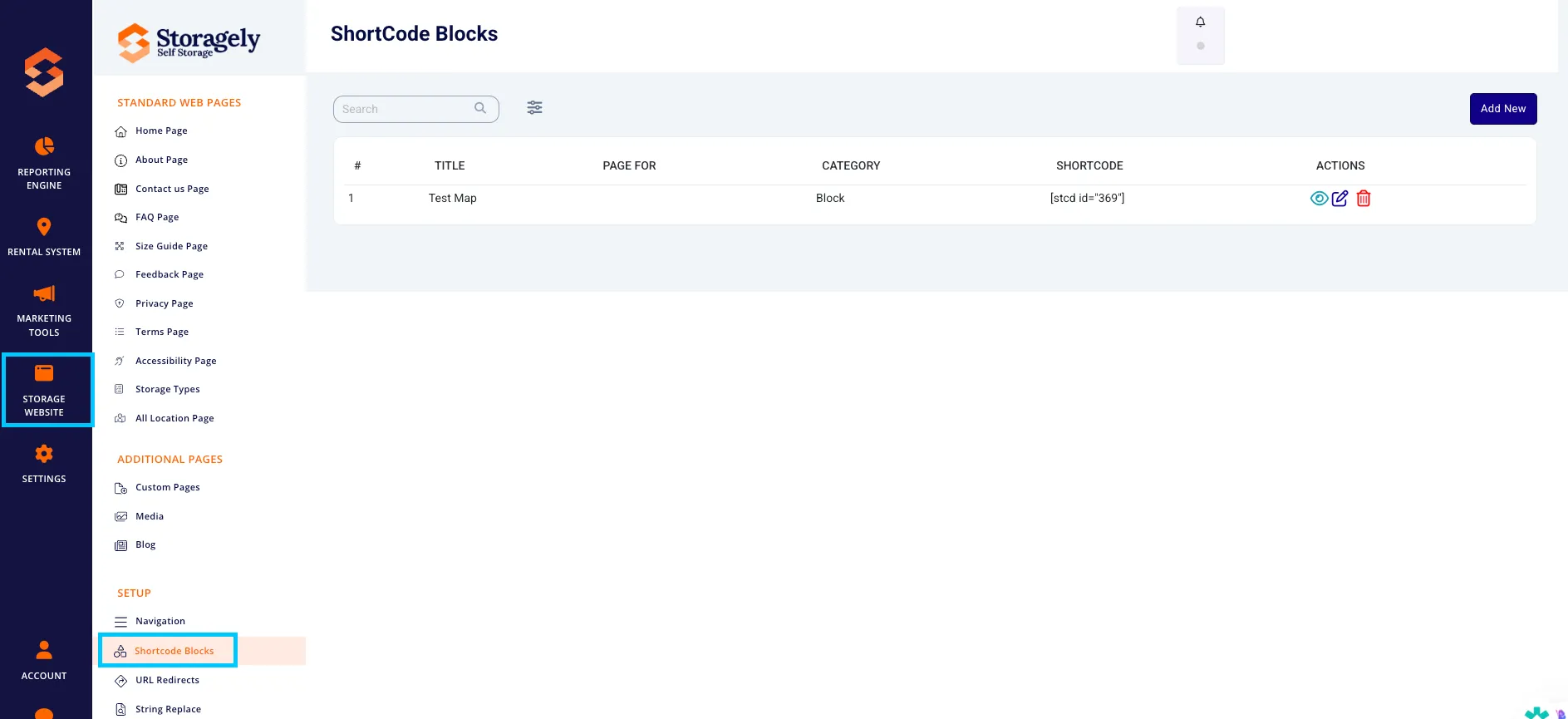
Navigating the Interface
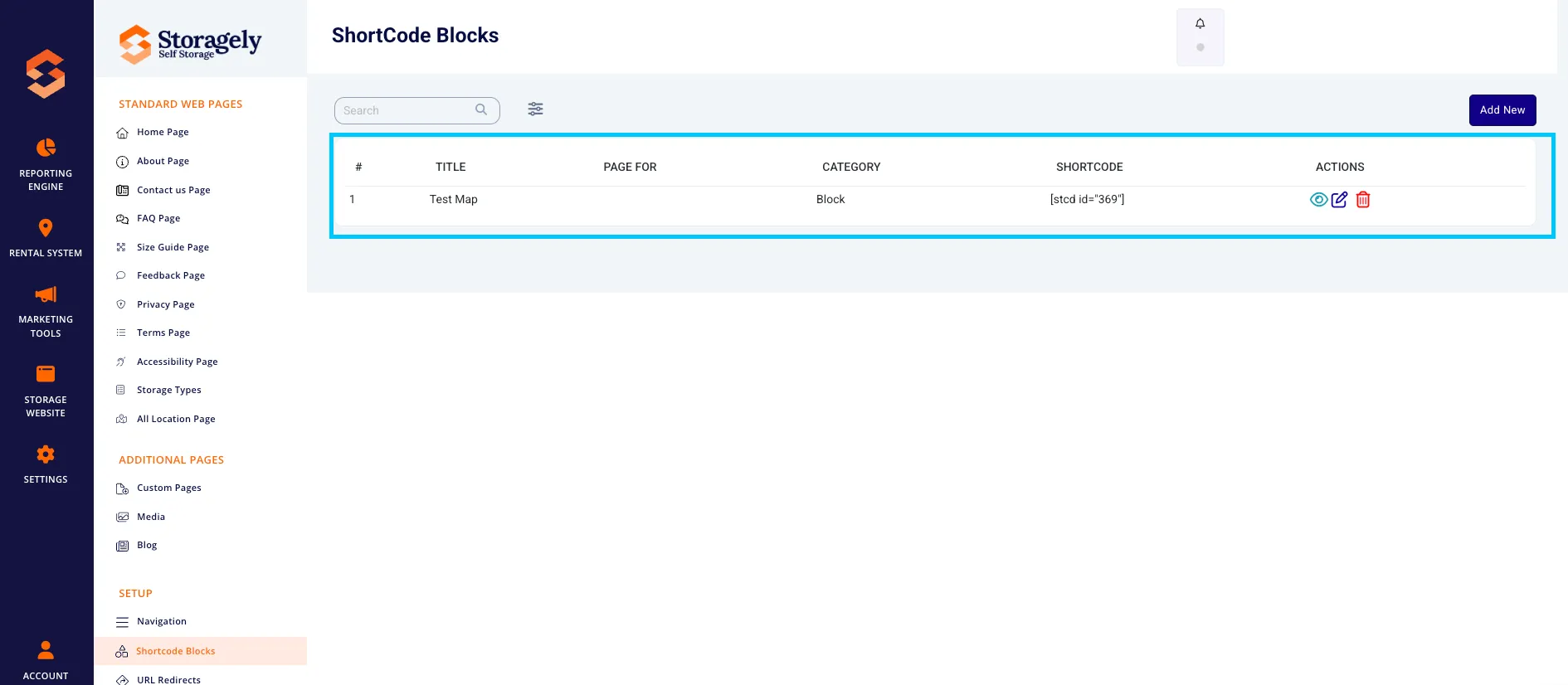
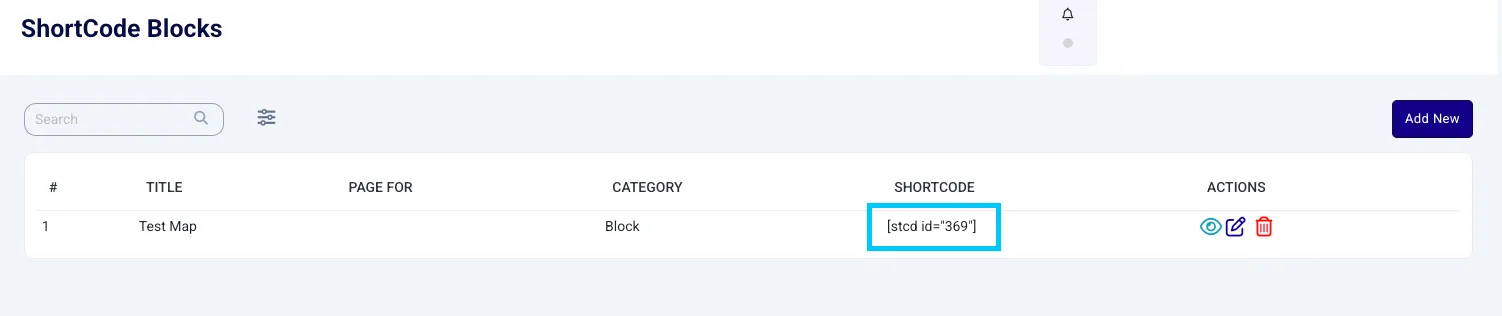
You will see a list of existing blocks. Each block includes:
- Title – A clear name to describe the block (e.g., [City] Asheville Map)
- Page For – Optional detail about where it should appear
- Category – Typically “Block” or “Template”
- Shortcode – The embed code, e.g. [stcd id="65"]
- Actions – Options to View, Edit, or Delete
Adding a New Shortcode Block
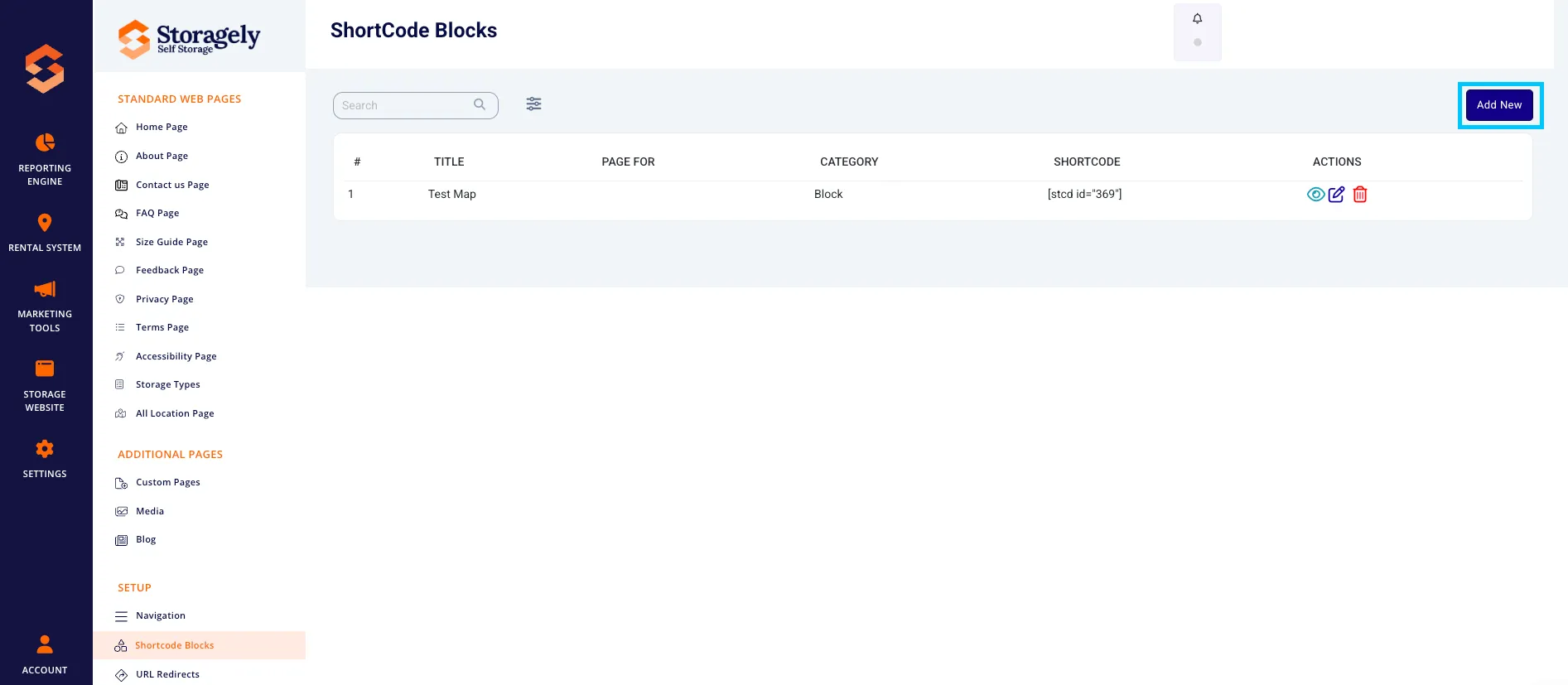
- Click Add New
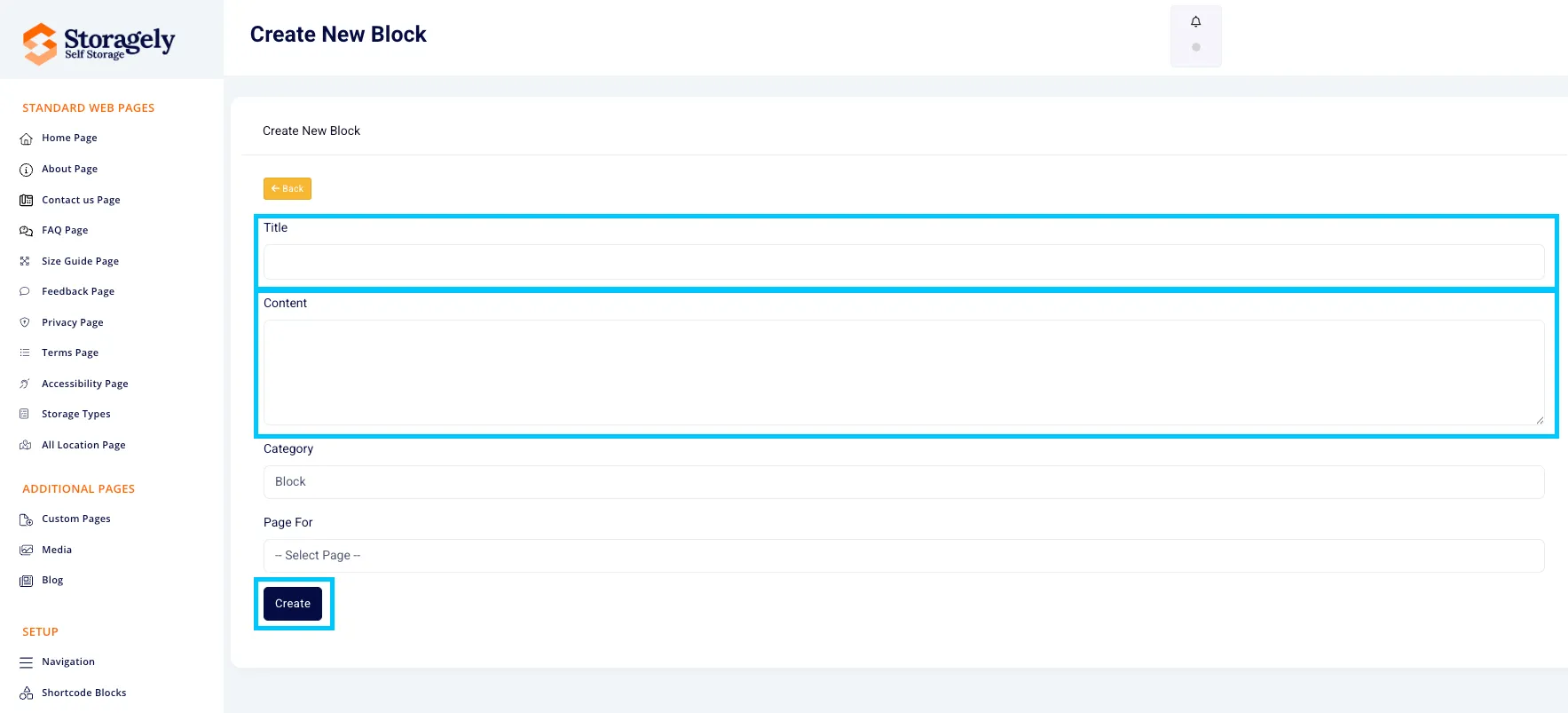
- Enter:
- Title
- Category
- The Content for the block (HTML, images, text)
- Save the block
- A shortcode will be automatically generated
Using a Shortcode on a Web Page
To embed a shortcode block on any web page:
- Copy the shortcode (e.g., [stcd id="86"])
- Paste it directly into the content area of a page (e.g., Home, About, Contact)
- Save and preview the page to ensure it displays as expected
Best Practices for Internal Team Members
- Be descriptive. Use clear naming like Contact Form, Columbia Map, or Mobile Menu.
- Centralize reusable blocks. Avoid creating duplicates when one block can serve multiple pages.
- Preview before publishing. Always check how the shortcode renders before going live.
- Avoid redundancy. Only create a new shortcode if the content truly differs from existing blocks.
Common Use Cases
Block Title | Shortcode | Use |
|---|---|---|
Contact Form | [stcd id="70"] | Embedded on contact pages |
HOME PAGE MAP | [stcd id="71"] | Map showing multiple locations |
[City] Columbia Map | [stcd id="157"] | Location-specific visuals or maps |
Mobile Menu | [stcd id="86"] | Custom menu for mobile navigation |
For Operators: Requesting Changes
Operators do not have access to this section. If they need to:
- Add or remove a map
- Update contact forms
- Edit any website element controlled by shortcode blocks
They should contact their Storagely Account Manager with the details.
As always, if you have any questions during this process, our Customer Success Team is here to help. The best way to reach us is by submitting a support ticket.