Review Analytics
Overview
The Review Analytics section in the Listings Tool provides insights into customer reviews across multiple locations or for a single location. Operators can track review performance, response rates, and ratings to improve their online reputation and customer engagement.
To access Review Analytics, navigate to:
- Analytics > Review Analytics in the Listings Tool.
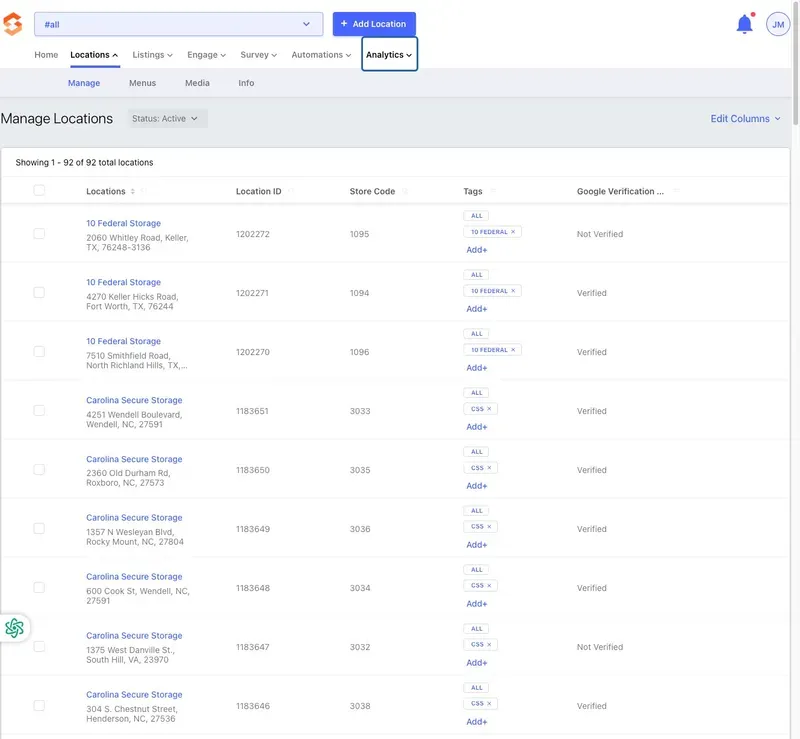
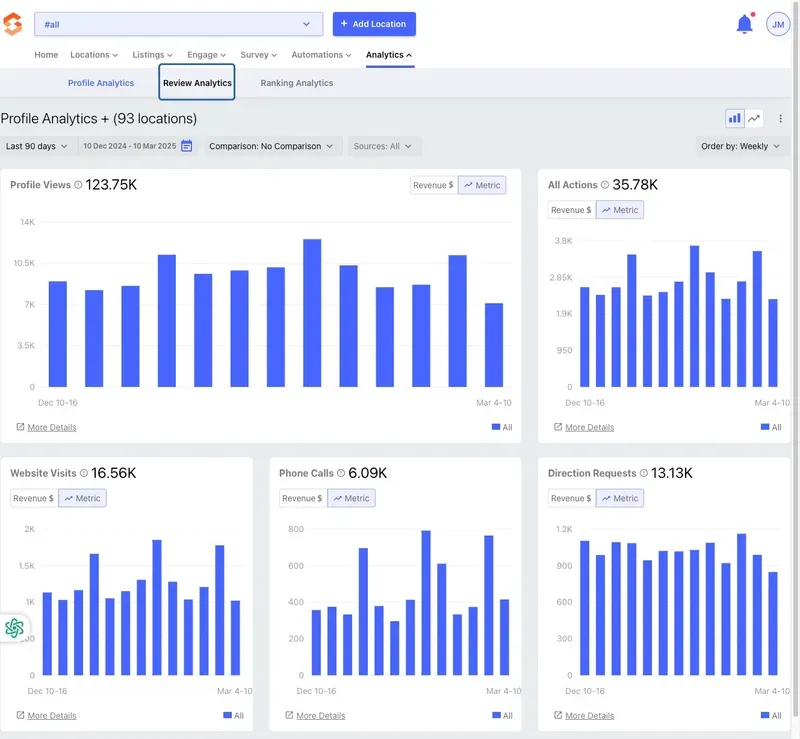
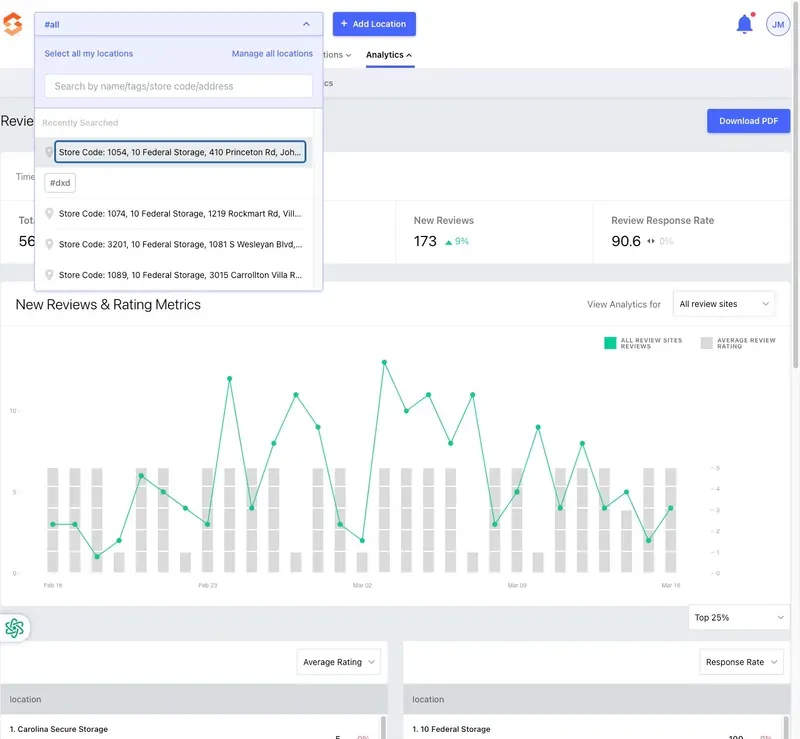
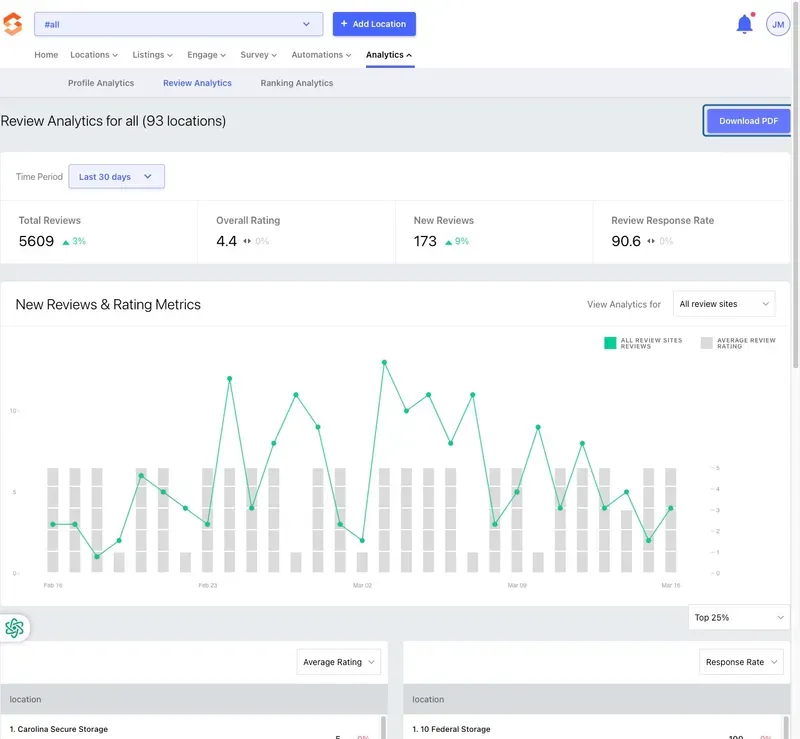
Operators can choose to display data for a single location or all locations by selecting the appropriate option in the dropdown menu at the top left.
Key Metrics in Review Analytics
The Review Analytics dashboard presents several key insights:
1. Total Reviews
- Displays the total number of reviews received over a selected time period.
- Operators can track how review volume changes over time.
2. Overall Rating
- Shows the average rating across all review sites.
- Helps operators gauge overall customer sentiment.
3. New Reviews
- Highlights the number of new reviews received within the selected time period.
- Operators can monitor customer feedback trends.
4. Review Response Rate
- Displays the percentage of reviews that have received a response.
- A high response rate can enhance engagement and improve a business's online reputation.

Visual Data Insights
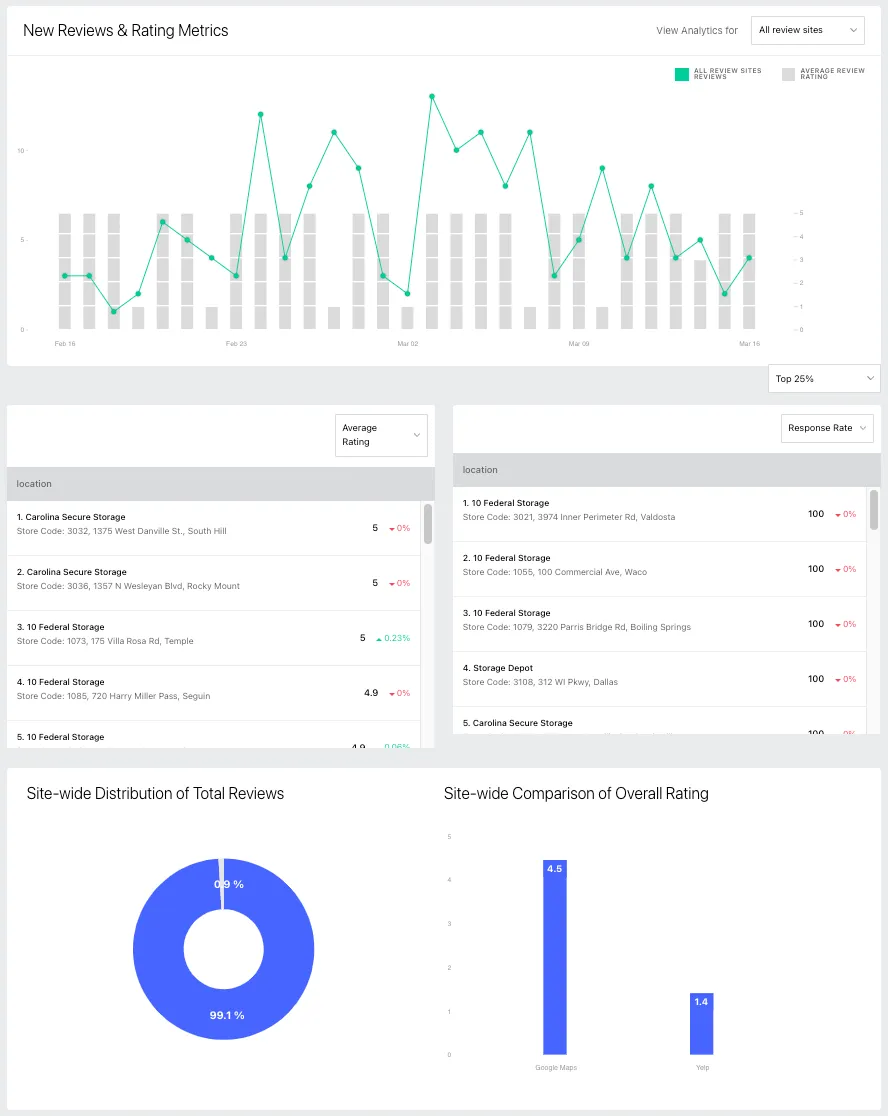
The Review Analytics dashboard includes visual graphs and metrics to track trends over time:
- New Reviews & Rating Metrics Graph
- Compares the volume of new reviews with average ratings.
- Operators can filter the view by different review sites.
- Site-wide Distribution of Total Reviews
- Displays how reviews are distributed across various sources (Google, Yelp, etc.).
- Site-wide Comparison of Overall Rating
- Compares the business’s rating across different review platforms.
- Top Performing Locations
- Identifies locations with the highest ratings or best response rates.
Downloading Review Analytics Reports
Operators can download a PDF report of their Review Analytics for internal records or further analysis by clicking the "Download PDF" button at the top right of the dashboard.
Best Practices for Operators
- Respond to reviews promptly: Engaging with customers through reviews helps build trust.
- Monitor rating trends: Use analytics to identify areas for operational improvement.
- Encourage customer feedback: Higher review volume can enhance online credibility.
For additional assistance, operators should reach out to their Storagely Account Manager.
As always, if you have any questions during this process, our Customer Success Team is here to help. The best way to reach us is by submitting a support ticket.