Ranking Analytics
The Rankings Analytics section in the Listings Tool provides insights into how your storage facility ranks on Google for specific keywords. This section is located at Analytics > Rankings Analytics and helps operators monitor their search rankings over time.
Accessing Rankings Analytics
- Navigate to the Analytics tab in the Listings Tool.
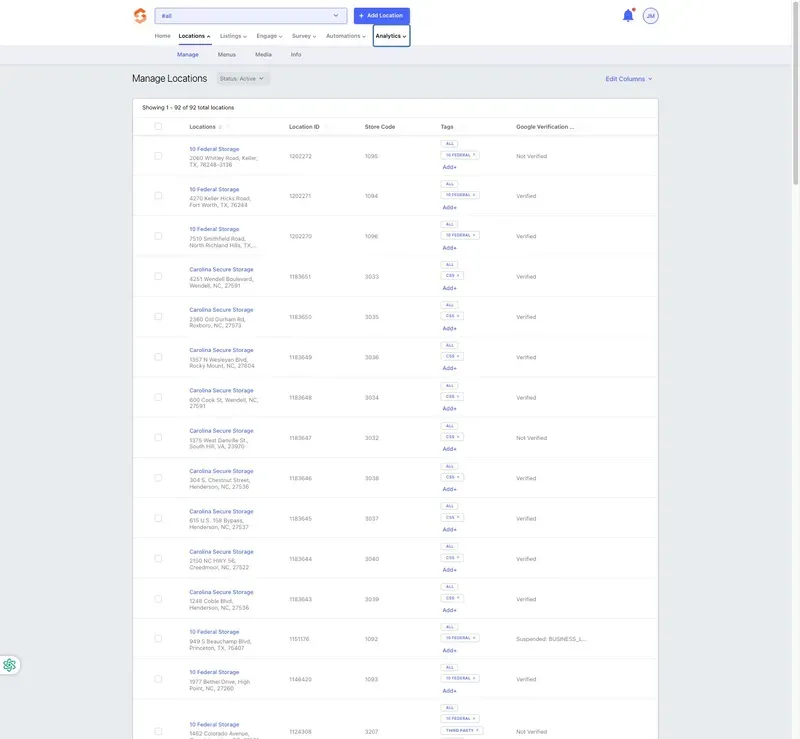
- Click Rankings Analytics from the available analytics options.
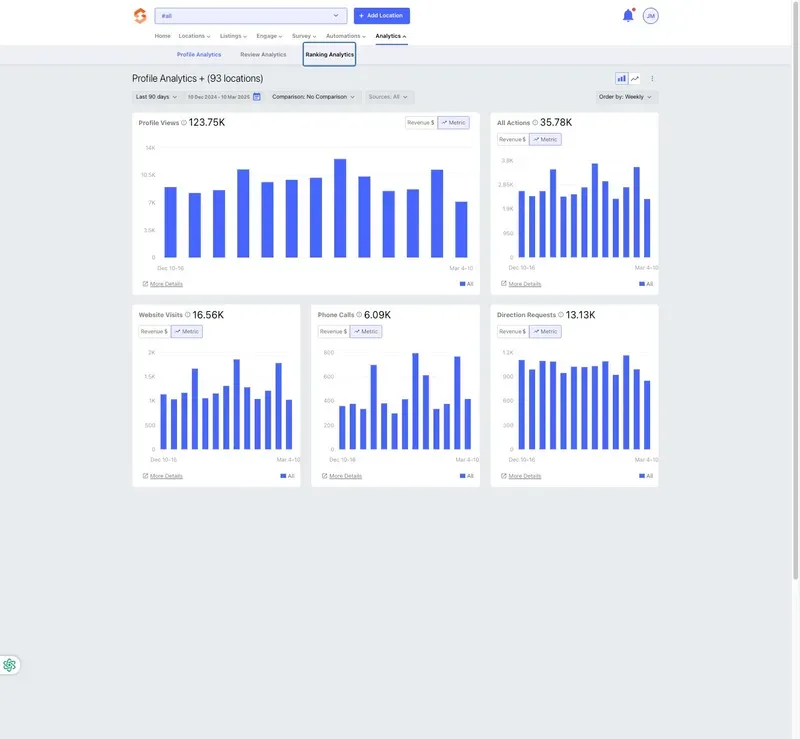
- Select a Time Period to analyze ranking data for a specific date range.
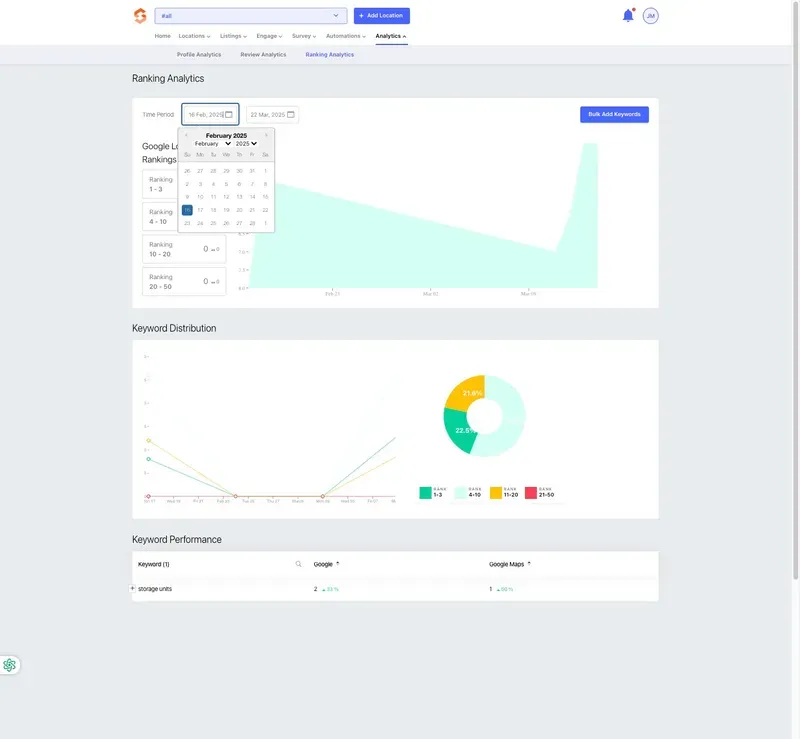
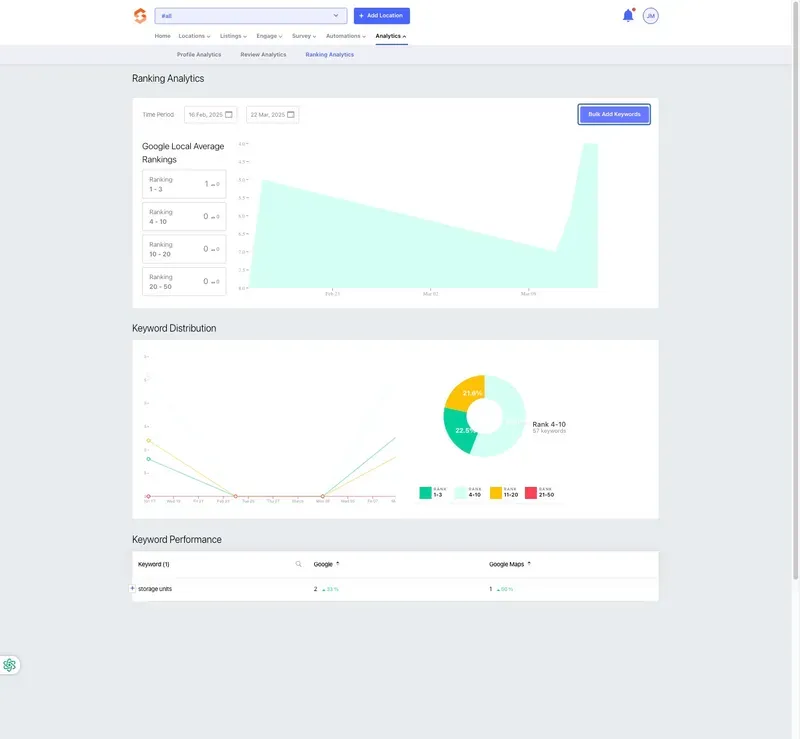
- Use the Bulk Add Keywords button to include additional relevant keywords.
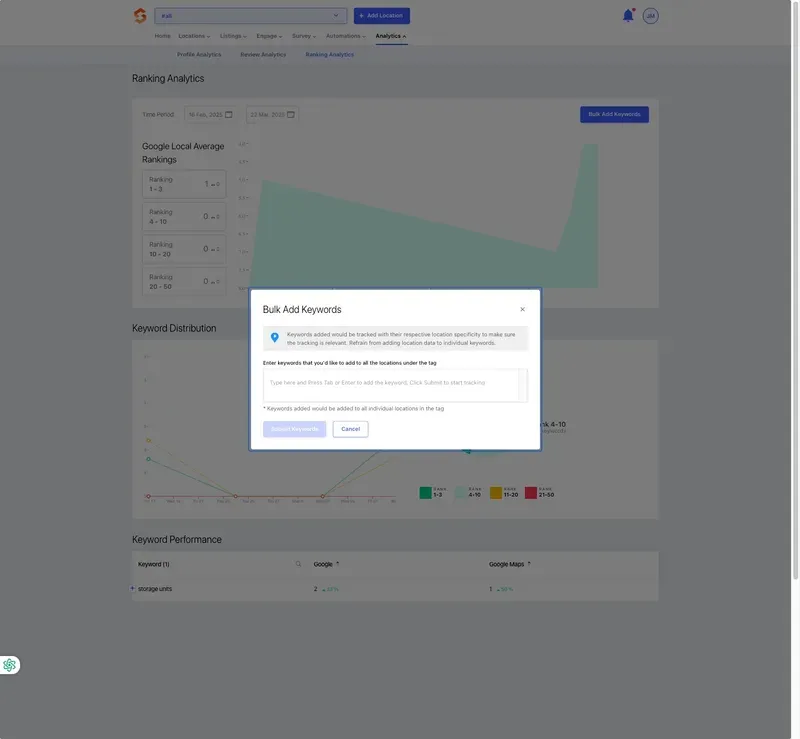
Understanding Rankings Analytics Metrics
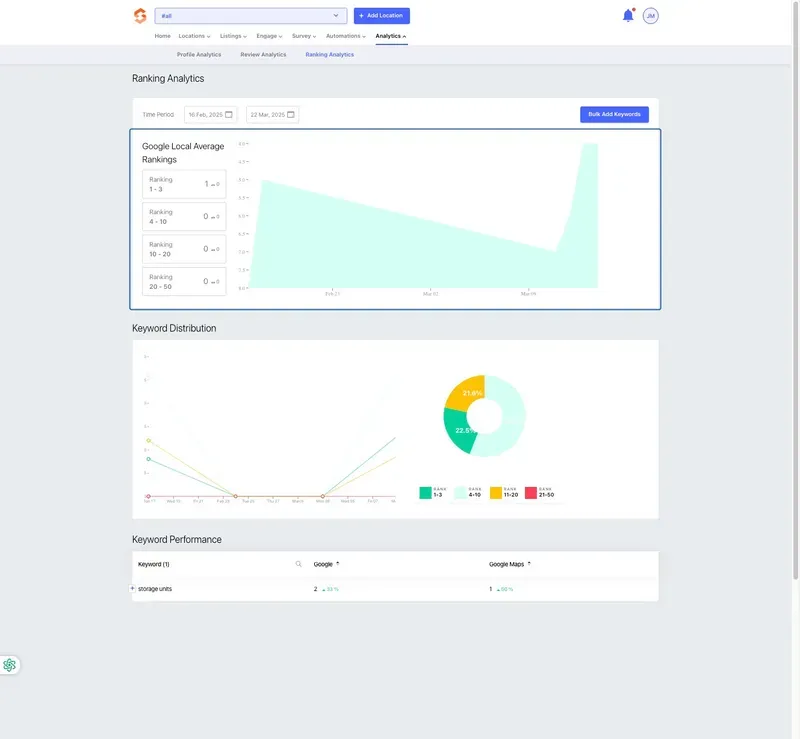
1. Google Local Average Rankings
- Displays how locations rank on Google Local for specific search terms.
- Categories include:
- Rank 1 - 3: Top positions in local search results.
- Rank 4 - 10: Page one visibility but not in the top three.
- Rank 10 - 20: Second-page rankings.
- Rank 20 - 50: Lower-ranked keywords.
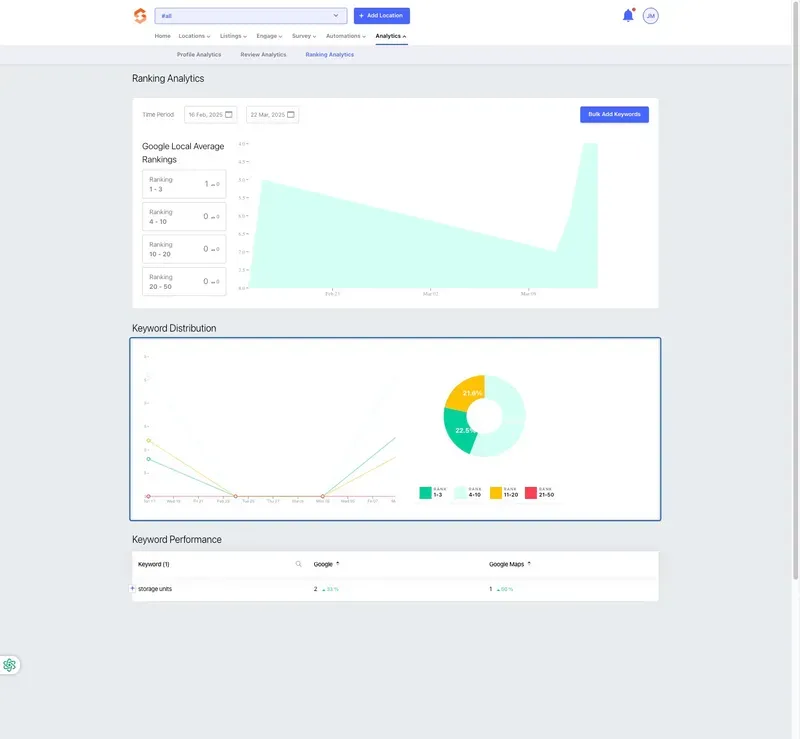
2. Keyword Distribution
- A visual breakdown of where your keywords rank across different ranking tiers.
- Helps identify which keywords are performing well and which need optimization.
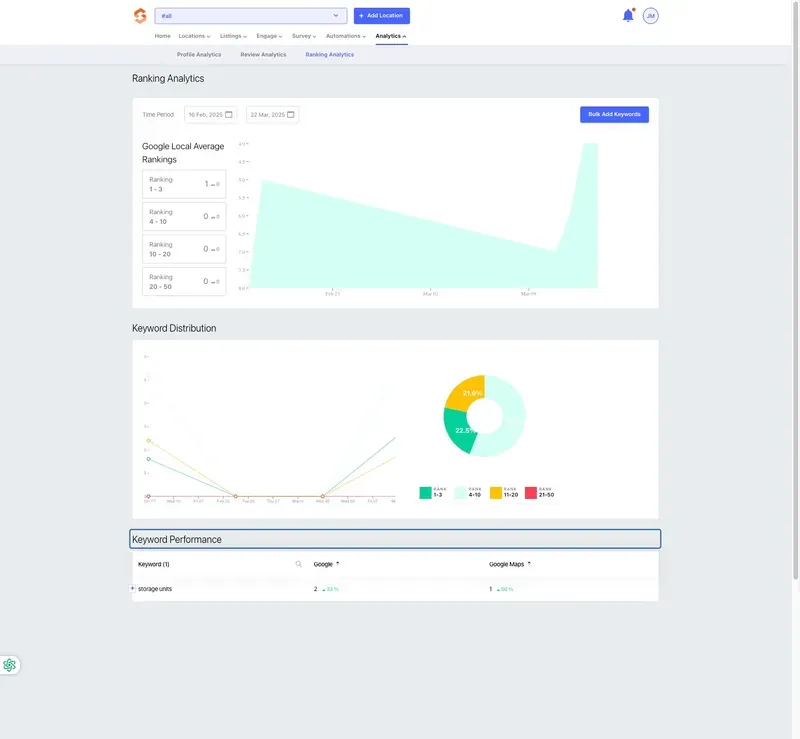
3. Keyword Performance
- Provides a detailed table showing:
- The keywords being tracked.
- Their Google rank and Google Maps rank.
- Changes in ranking percentage over time.
Best Practices for Optimizing Rankings
✔ Monitor Trends Regularly – Identify patterns in rankings and adjust strategies accordingly. ✔ Target High-Value Keywords – Focus on ranking for keywords that drive the most traffic. ✔ Optimize Business Listings – Ensure business information, descriptions, and categories are accurate. ✔ Encourage Customer Reviews – Higher engagement can improve visibility in search rankings. ✔ Use Local SEO Best Practices – Include relevant keywords in business descriptions and posts.
Conclusion
Rankings Analytics helps self-storage operators track their facility’s visibility in Google’s search results. By monitoring keyword rankings, operators can adjust their marketing efforts to improve discoverability. For assistance with keyword optimization or adding keywords, contact your Storagely Account Manager.
As always, if you have any questions during this process, our Customer Success Team is here to help. The best way to reach us is by submitting a support ticket.